The charging illustration is new!
serega_12
|
2025-10-11 21:07
|
437 views
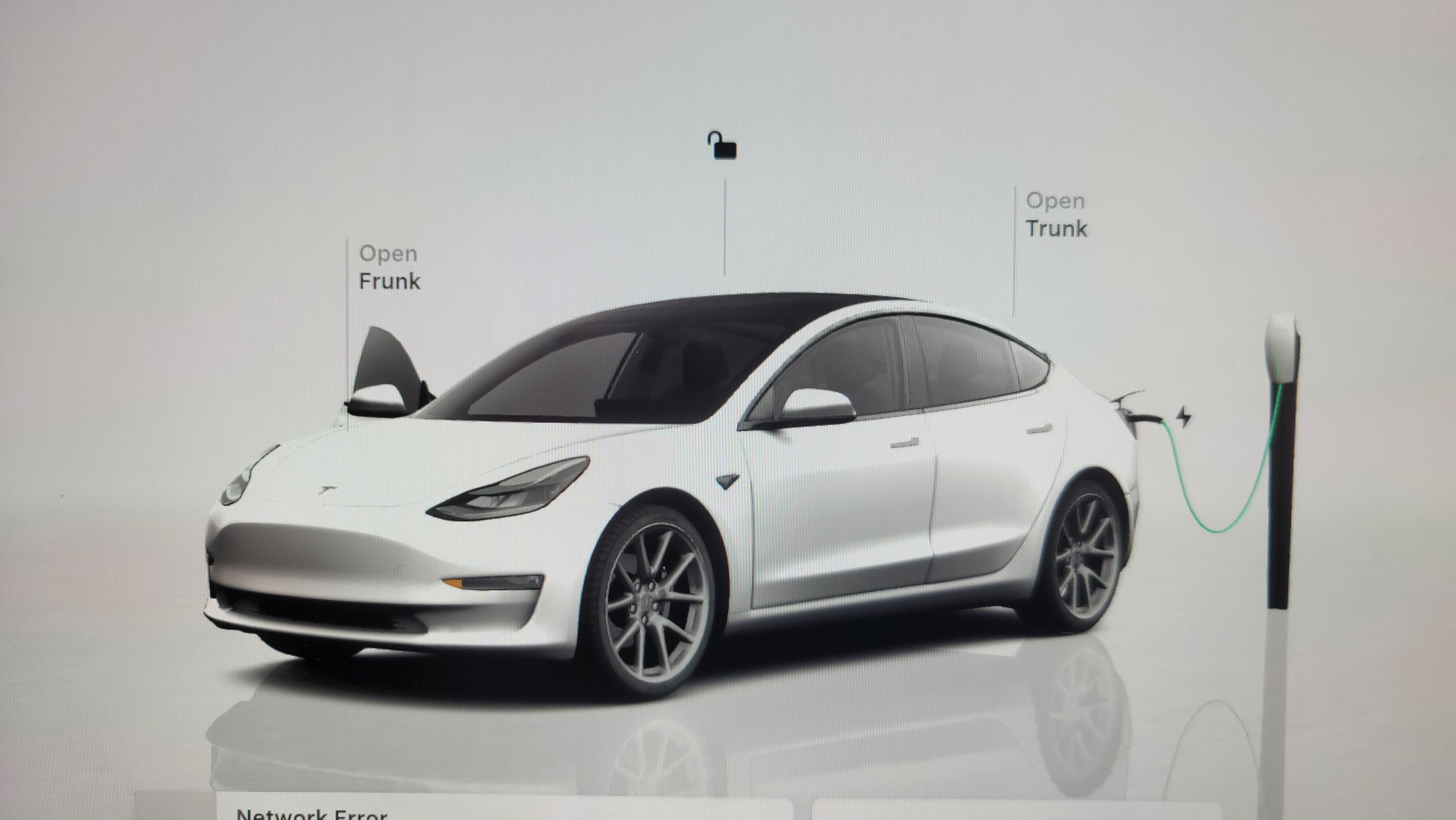
does this show a supercharger?
Haven't tried yet!
What software version?
The tron update.
2025.38.3
Looks cool.
I still haven’t got it ☹️
Yes it does. I don't have the update yet, but I saw someone else post their pic with the Supercharger.
Neat-o
Does it look different when charging with a mobile connector?
[yes](https://i.imgur.com/TSEzVdD.jpeg)
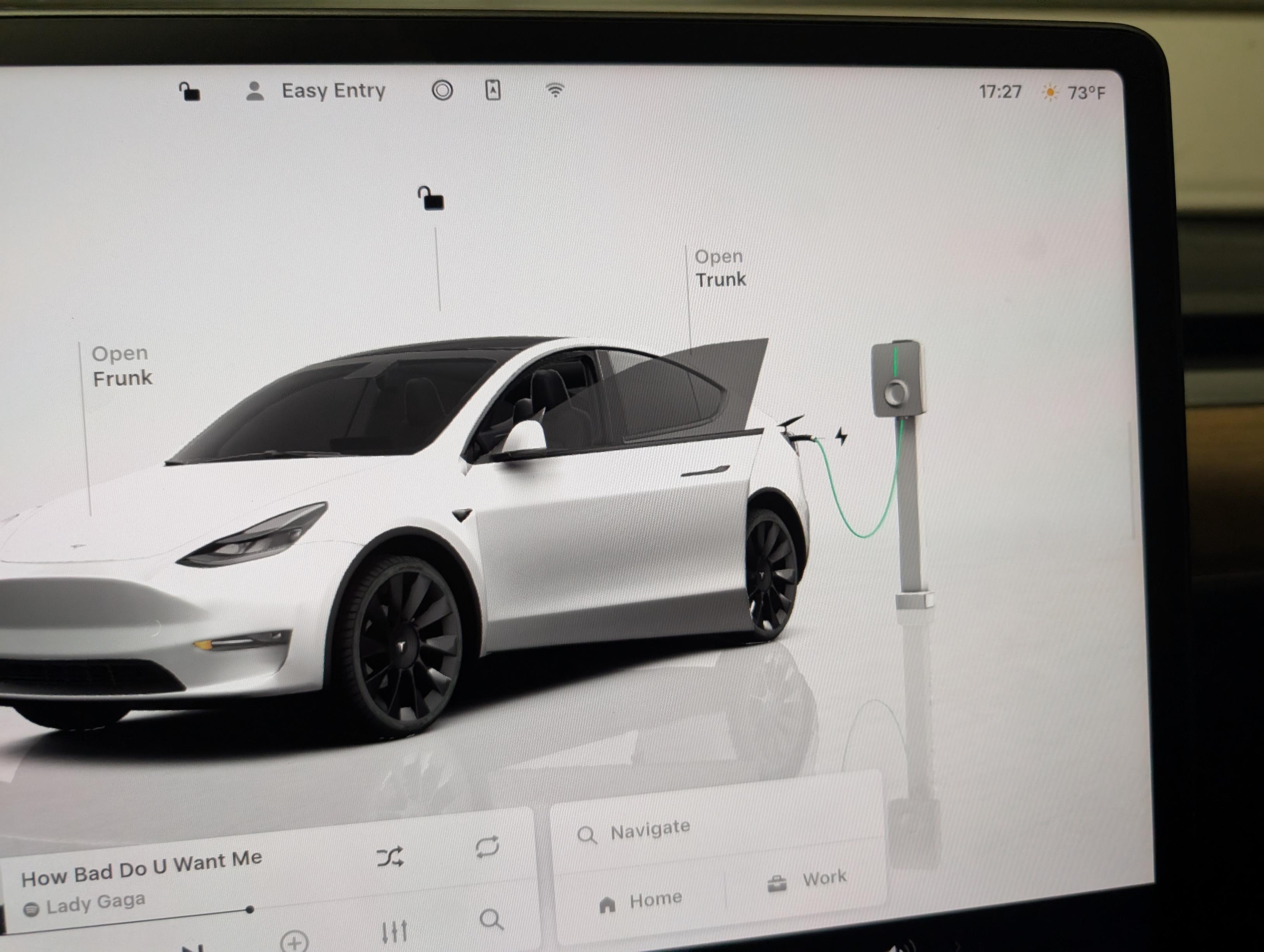
Just plugged in mine and it shows a generic charger (as I don’t have a Tesla-manufactured charger at home): https://imgur.com/a/EOxPkdz One thing I noticed was that just plugging in the charger didn’t affect the graphics, it had to start charging first.
Yes. See https://x.com/max_bracco/status/1976913886600372718?s=61
Yes. I saw it yesterday. It displayed a v2 cabinet. Not sure if it changes depending on the type of supercharger you're connected to.
were you connected to a v2/v3 cabinet? I bet it does
v2
I was at a V3 at Buc-ee’s today and it showed the V2 stall
Sadly they don't show the GENERATION of supercharger you're at. I was at a V4 and the photo's a V3.
I haven't charged it yet but does it show a Tesla mobile connector accurately?
Nope. It shows generic.
That is fine with me. I mean personally I think it's going to cause a lot of headaches to constant update the supercharger database and so maybe it should just have 2 icons to keep it simple.....an icon for L3 charging and an icon for L3 charging. That way u avoid all the variations of supercharger V2, V3, V4, etc. I wonder what icon it uses for charging at an EA station.
Were you also impressed when Apple announced "liquid glass"?
Not sure what you're talking about. I'm an android fan myself. Care to explain?
He’s being smarty pants 🤭
You're impressed with an illustration...I have higher standards.
Enlighten me on your higher standards, oh wise one!
Wow so amazing
This pic illustrates how ugly of a car that Model Y is.
Pressing the charging device is the way to stop SC without opening the charging menu also.
How did you get the aero covers off display????
Login is required to comment.
Login with Google