meikowski
2026-02-03 08:29
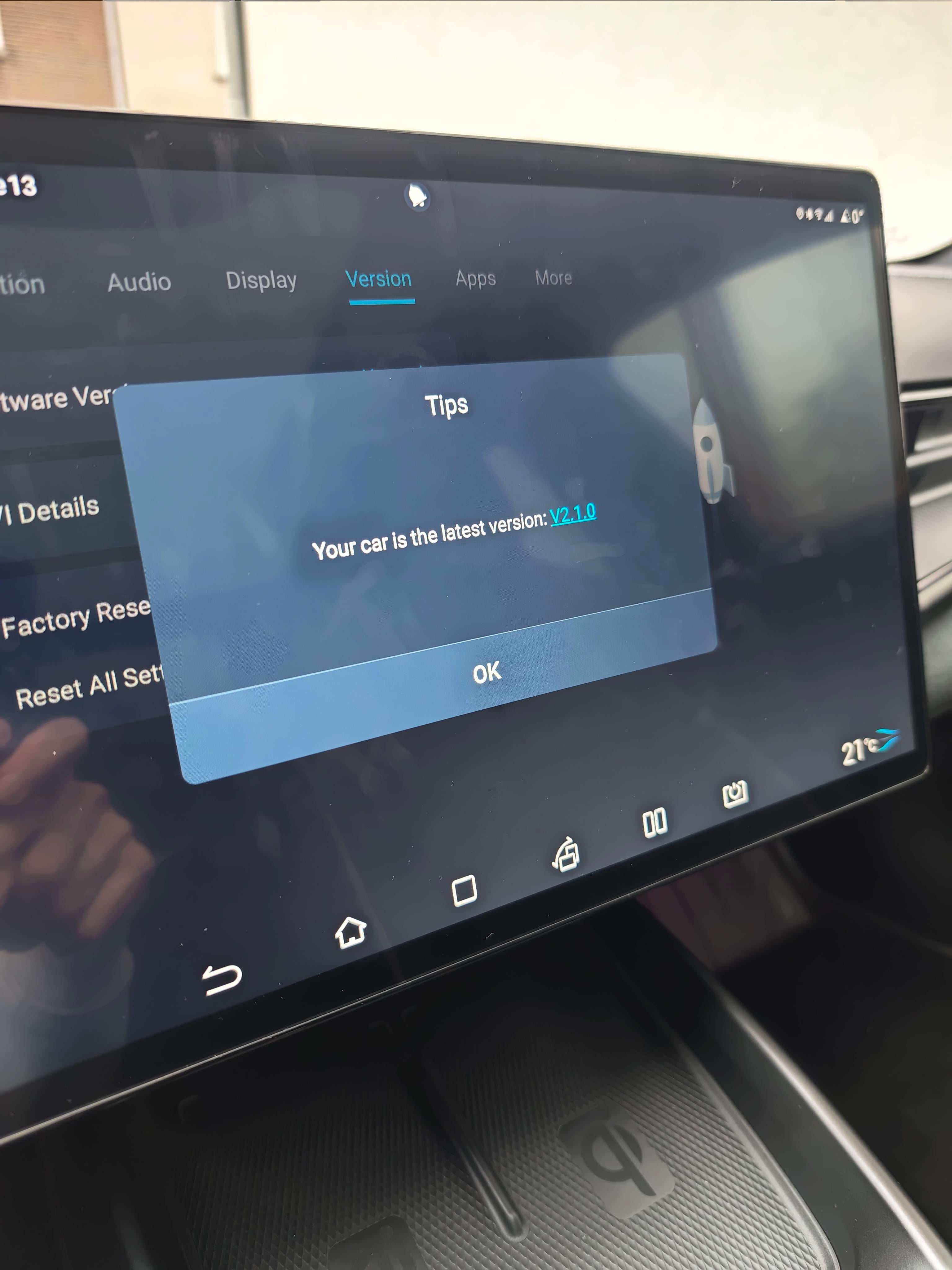
Sometimes the message „your car is the latest version“ appears and then suddenly the new update availability will be displayed after a few days!
deSenna24
2026-02-03 08:33
Well, fingers crossed! Dealer said they can't force updates and deliver the cars stock and let them update automatically. I expected it to be delivered up to date and fully working (no 4G connection when I picked it up so couldn't use navigation home).
gRzeHoO7
2026-02-03 08:44
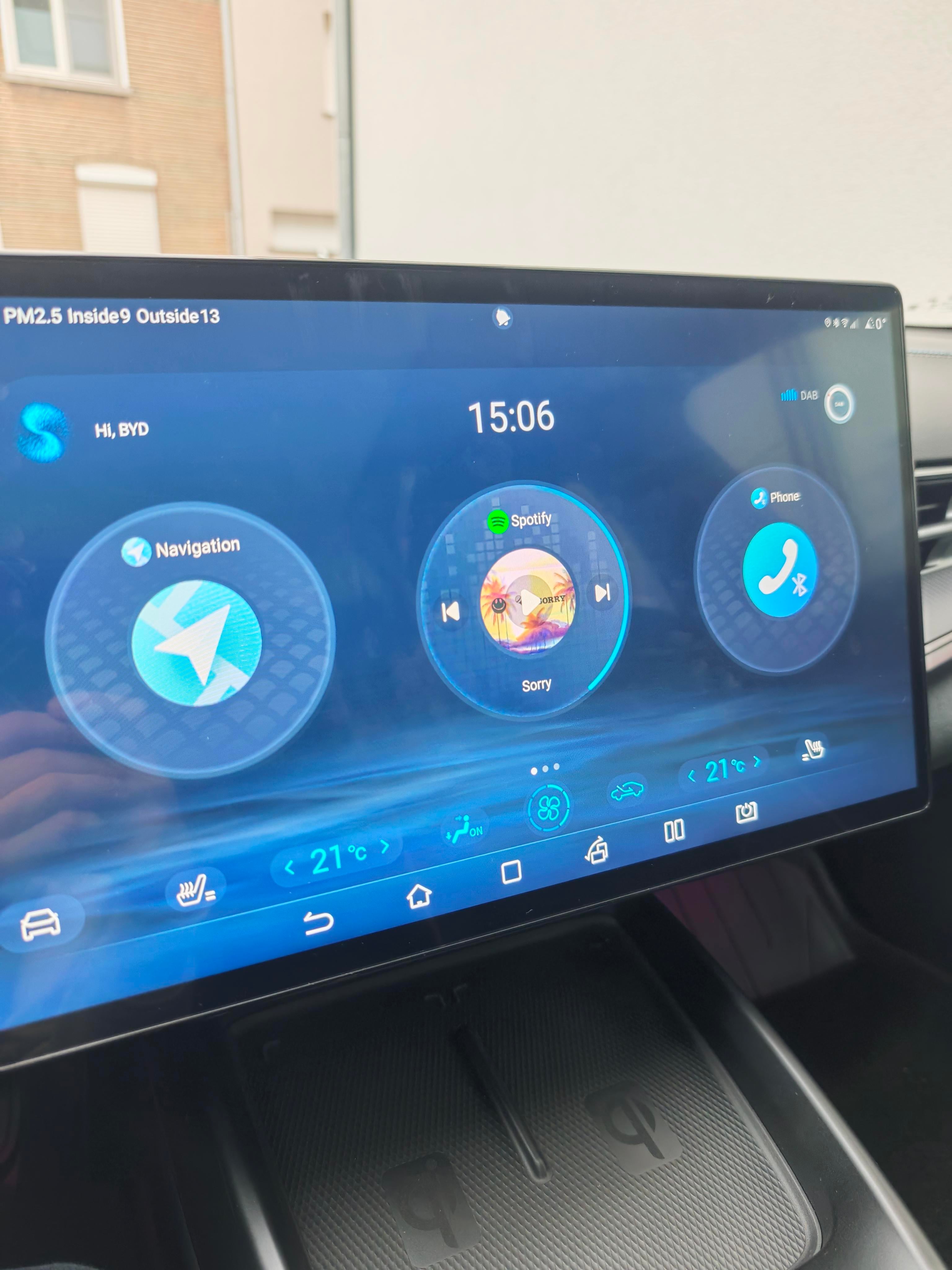
Man, I miss that seat heating and venting per passenger button. Bastards took it away in v2
[deleted]
2026-02-03 08:46
[deleted]
deSenna24
2026-02-03 09:02
Well there's the possibility of installing the updates via USB, but I'd rather not tinker with it (yet). It's strange that the software says it's v2.1.0 but none of the patch notes are found in my system.
Numerous-Implement47
2026-02-03 09:52
Installing from USB yourself from what I understood doesn't install all the things that come OTA. That used to be the case atleast. You are just updating the Tablet effectively.
Dealer sounds a lil slack, thought they did update them to the latest version for market? In Australia we are still on 1.4.1 is think
meikowski
2026-02-03 09:56
Fingers crossed .. but I think patience is the key .. :)
Icefeldt
2026-02-03 10:22
Some owners also had this problem and reported, that they needed to visit the dealer to get the newest version "poperly installed" (for free of course)
iNjecteds
2026-02-03 10:42
I mean if you put the seat heating/cooling shortcut into the shortcut bar it's just one more touch that's needed, it's not the end of the world.
Numerous-Implement47
2026-02-04 02:22
Or just tell it you have hot or cold ass. If passenger does it, then directional mic will turn theirs off and on
New_Positive_8383
2026-02-04 07:55
Dealership updated mine via usb as it just kept saying failed to update
[deleted]
2026-02-04 08:01
[deleted]
deSenna24
2026-02-05 12:48
But for you the 4G was not working? For me the 4G connection is now working fine since Monday, so 4 days now.
[deleted]
2026-02-05 13:54
[deleted]
deSenna24
2026-02-05 14:01
I read somewhere you need to downgrade etc to update from USB, or is it just plug in a USB and hit update? Also, some other users report it's not like a full OTA release and new OTA updates will not appear so I'm a bit hesitant to try USB update.
1473350
2026-02-24 16:25
I have the same issue, how did you resolve this?
1473350
2026-02-24 16:25
I have the same issue, how did you resolve this?
deSenna24
2026-02-24 16:43
I manually updated via USB to v2.1.0, it's super easy to do. Yesterday I got the notification to update to v2.1.1 via OTA and that's installed now.
1473350
2026-02-24 17:08
Thanks for the reply! Yeah, I got the v2.1.1 OTA yesterday as well but the UI is still old version