Top-Yogurtcloset3965
2026-02-27 18:17
If you want more information on Tewke and the device as a whole, you can check out the tech-specs here: [https://www.tewke.com/tap#specification](https://www.tewke.com/tap#specification)
Suspicious-Gur-8453
2026-02-27 18:19
I would not use this. I am an extremely lazy person, but I am capable of taking the phone out of my pocket to access an app directly on my lock screen. Plus this would make me go to a specific part of my house to access it? I'm not sure what use-case you're specifically trying to solve.
Top-Yogurtcloset3965
2026-02-27 18:23
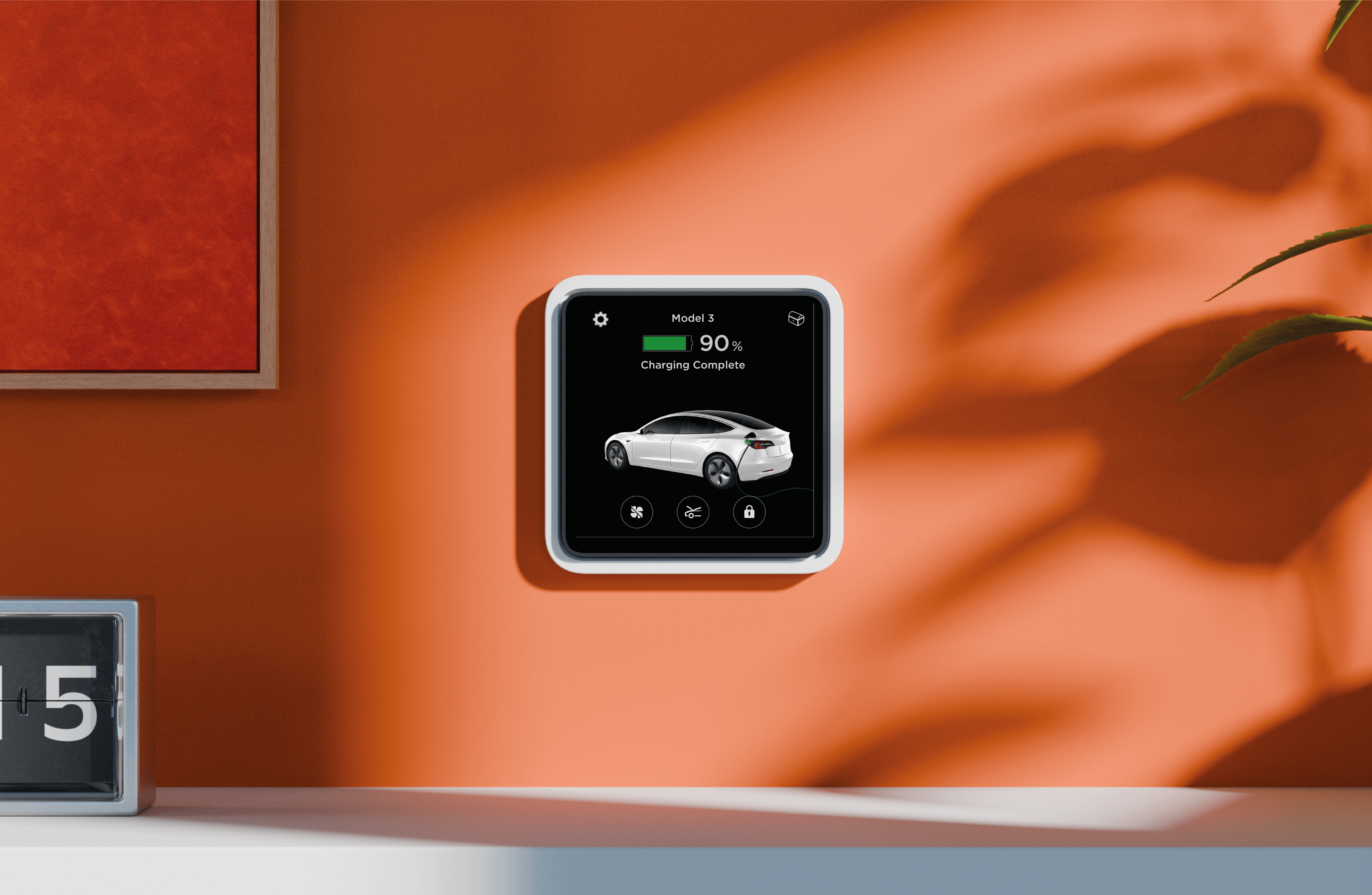
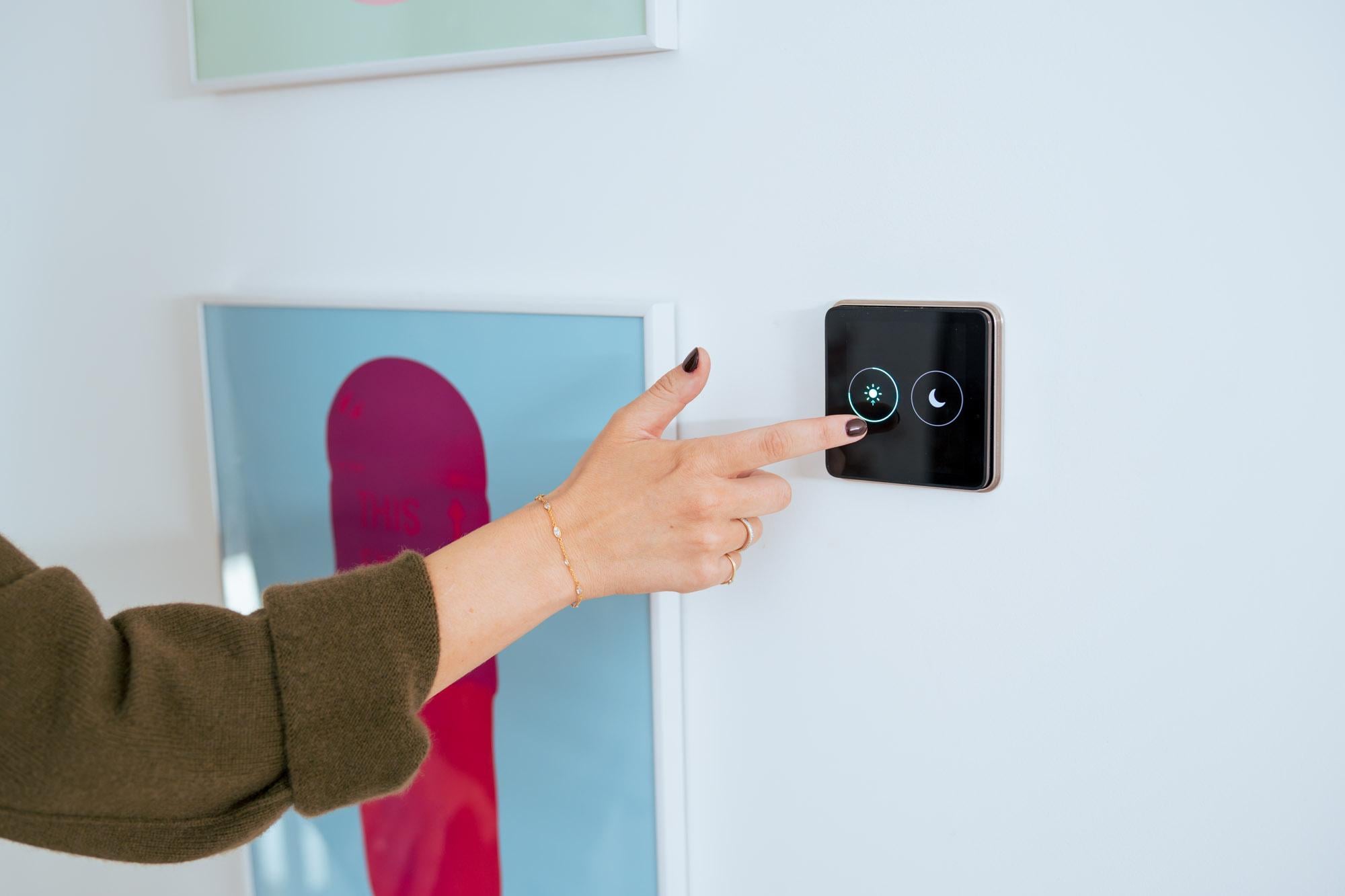
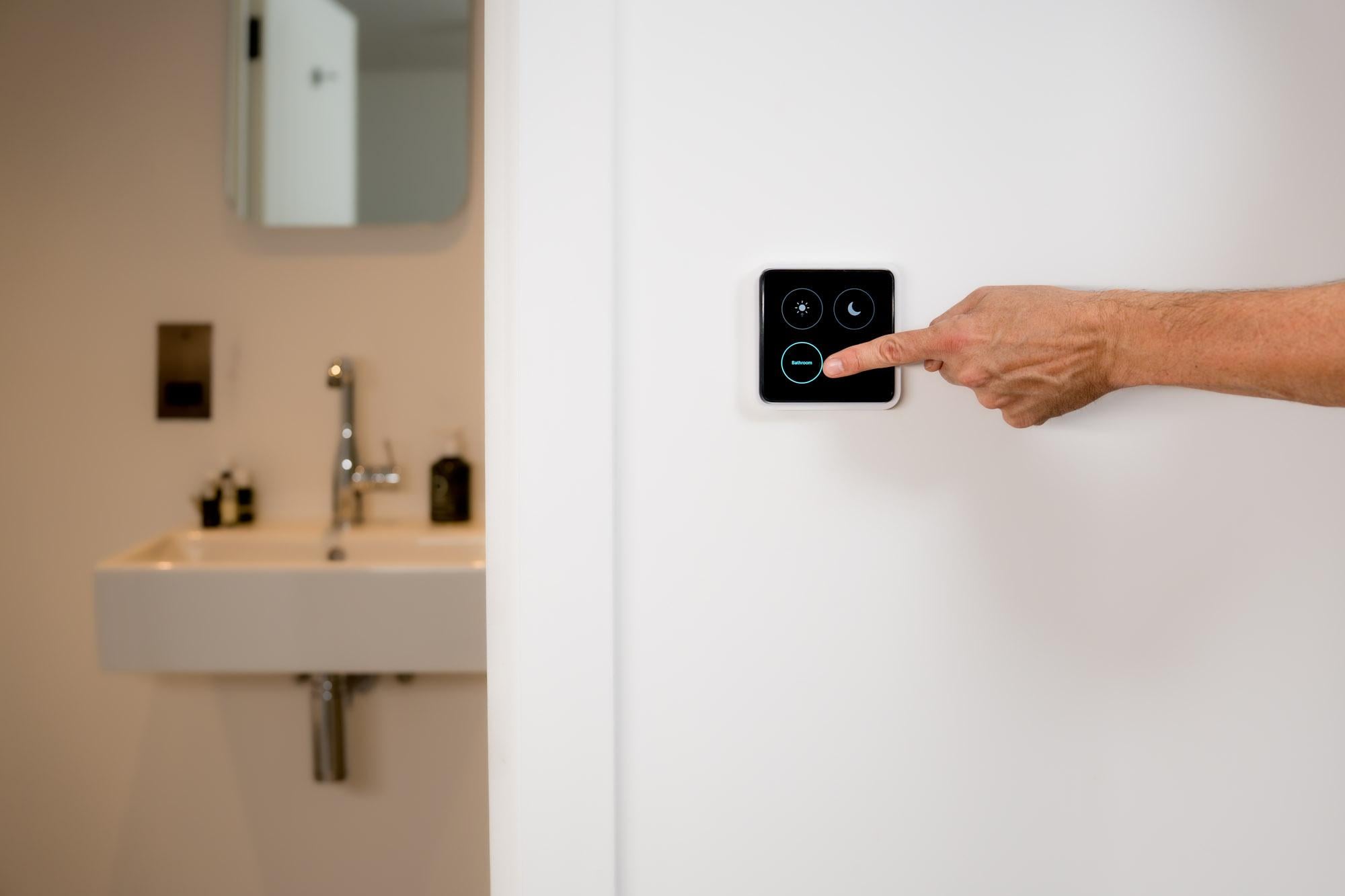
u/Suspicious-Gur-8453 Thanks for the feedback. The idea of Tewke Tap is to have an interface in every room of your house (replacing existing light switches) to control everything from temperature, to music, to lighting. We have been playing with the idea of having an energy flow, to show how energy is being generated and used from solar, mains, home battery and devices, and it got us thinking about electric cars. What we have found is people use Tewke much more than their phones as it is always there quietly in the background, and gives you instant control rather than accessing apps via a phone (and access to the whole family, rather than the tech enthusiasts in the home).
Might not be for everyone, so was wondering whether we develop this feature
oipoi
2026-02-27 18:39
I hope you have home assistant compatibility planned from the get go.
IADpatient0
2026-02-27 18:46
Hey Siri “start my car” will do it much easily. I wouldn’t buy this, but there might be few who are interested.
Top-Yogurtcloset3965
2026-02-27 18:48
u/oipoi We do indeed! It currently works via MQTT in Home Assistant, and there will be an official integration available by April too.
ChrisH993
2026-02-27 18:48
Would this not keep the car awake constantly?
Top-Yogurtcloset3965
2026-02-27 18:50
u/IADpatient0 That is a good point, you can do that to set the climate control. We were interested to see if people would like to have an overview of charge state (maybe charge time left) and other quick triggers. Any ideas very welcome!
Top-Yogurtcloset3965
2026-02-27 18:55
u/ChrisH993 It would work in the same way the Tesla app and other 3rd party devices stay connected. A Tesla never really goes to sleep, it is in effect constantly on.
A Tesla does have a distinct "Sleep Mode" where it shuts down almost all non-essential systems to save power. However, it is never "off" in the way a gas car is when you pull the key. It’s more like a laptop: it can be "Asleep" (low power) or "Hibernating," but it’s always listening for a wake-up signal.
They wake themselves up periodically to respond to app or API 'pings', like when you open your app to check your Tesla's range.
Significant_Bus935
2026-02-27 19:04
Shelly Wall Display exists.
Top-Yogurtcloset3965
2026-02-27 19:19
u/Significant_Bus935 You are right, and its a great product. However its screen leaves a lot to be desired, and it doesn't have the ability to directly control lights, or have the same level of sensors as Tewke Tap. It is a great product for a lot of users, but we are looking to provide a different option for people who want something a bit sleeker and high end with added functionality.
Drodriguez164
2026-02-27 19:20
Yea I don’t understand either, a lot less work to just pull my phone out and check rather then having to walk to this device. Really does seem like a useless device and just something people would put in their home to look techy
iguessma
2026-02-27 19:20
No to all of this.
Teslamate is free... Covers pretty much everything.
Mountain_Quantity664
2026-02-27 19:22
"Constant control" is the rabbit hole I struggle to stay away from. I don't want interfaces in every room of my house attempting to hijack my attention span, divided as it already is enough. This is highly personal, of course.
Stuff should just work without our intervention. Example, I quite like the lights in my staircase and hallway; I set them up with motion sensors so they just switch on by themselves and off after some time. I value the exact opposite of what you're trying to achieve: the absence of screens, control panels and even switches.
The fact that you're trying to solve the need to open yet another phone app is noble though.
Top-Yogurtcloset3965
2026-02-27 19:36
u/Mountain_Quantity664 You have hit the nail right on the head! This is the direction we want to go in, and why we have packed the device full of sensors. We want to get to the point where it can autonomously control your home, without you having to interact with it.
We are also firm believers that it should NOT be grabbing your attention. This is why the screen is off 95% of the time, and only turns on when you approach it. Our dream is that you never actually need to touch our device again, but we are many years away from that goal. This is the first step towards that, and it will be continuously improved via OTA software updates.
UnaidedGinger
2026-02-27 19:43
If it does home assistant locally no cloud I’ll buy a few for sure
Top-Yogurtcloset3965
2026-02-27 19:50
u/UnaidedGinger It currently works as sort of a hybrid across both Home Assistant and Tewke's cloud. We are looking to move fully offline. All the sensors etc are always available offline, as are the lighting controls. Remote access and specifically Tewke Scene settings do rely on an internet connection currently.
kopacetik
2026-02-27 20:56
I made one of these for myself with an esp32 w the built in screen. It’s nice
Top-Yogurtcloset3965
2026-02-27 21:02
Nice! What screen and sensors did you use?
BestSpatula
2026-02-27 21:18
They also wake themselves up when the Tesla mothership sends a push notification to the vehicle via its cellular radio saying "wake up, the app wants to do something".
You don't want to poll the API unless you want the car waking up. When the car is in a non-sleep state, it consumes around 250W, or about 1 mile of range per hour.
PeteDub
2026-02-27 22:14
Seems like you're solving a problem that doesn't exist.
Complex-Window9526
2026-02-27 23:25
I think it would be nice to have but I think integrations could run into unexpected complications:
1. Consider what happens if someone has multiple Tesla vehicles
2. There is a preconditioning command, but also preconditioning with defrost (cabin is overheated to melt snow and ice)
Excited for hubs like this that are drop-in switch replacements for US junction boxes, like I have a 4-gang box that just wastes space because all the downstream Hue lights are grouped together as part of a scene, and so turning them off at the physical switch-level just breaks everything.
The only product in this space I've found that does that is [Brilliant](https://www.brilliant.tech/collections). But the design is a bit crusty and they're crazy overpriced, so more competition in this space is very welcome.
Top-Yogurtcloset3965
2026-02-27 23:28
A very good point regarding multiple vehicles, and something we would really dive into to make sure it worked smoothly if we do make this integration.
Tewke will be launching soon in the US, and as part of the US launch there is a Kickstarter. You can sign up to it on the Tap One page of our website, where there will be huge (over 50%) discounts for the super early bird backers.
Single-Use-Again
2026-02-27 23:49
That title gave me Lou Gherigs disease.
I_just_made
2026-02-28 01:01
independent of the car; when you say "thermostat controls" etc, are you expecting people to have these tewke items in each room, and can each of them control the thermostat? Like, is there a menu that could be accessed? That could be interesting and useful. I would not really use this for the car though.
Empty_Buffalo_2820
2026-02-28 06:26
Yes. But far away from random touchy kids.
Top-Yogurtcloset3965
2026-02-28 08:40
Hi, you hit the nail on the head, that’s exactly what it does. The Tewke Tap has lots of different screens that you scroll horizontally through in an infinitely looping carousel. For example (depending on how you configure it), the first screen is lighting, then like on a phone you swipe sideways, and you get a Thermostat screen to control heating, then sideways again to view home energy, then sideways again to get Sonos control then sideways a final time to get back to lighting. Likewise you can swipe the other way.
We have a YouTube channel which shows different case studies (mainly around installs and energy) that shows off the UI quite nicely
Top-Yogurtcloset3965
2026-02-28 08:56
We made sure all customisation is done via the mobile app so children can’t mess up configurations.
Whit3boy316
2026-02-28 14:39
I don’t even pull out my phone……
mikeyfender813
2026-02-28 20:46
This actually seems less convenient than just having a phone app
kevtke194
2026-03-01 11:40
I already use home assistant in my house and have my Tesla status on my dashboard. I would consider it depending on the price.