AntiqueJoule
2026-02-21 21:38
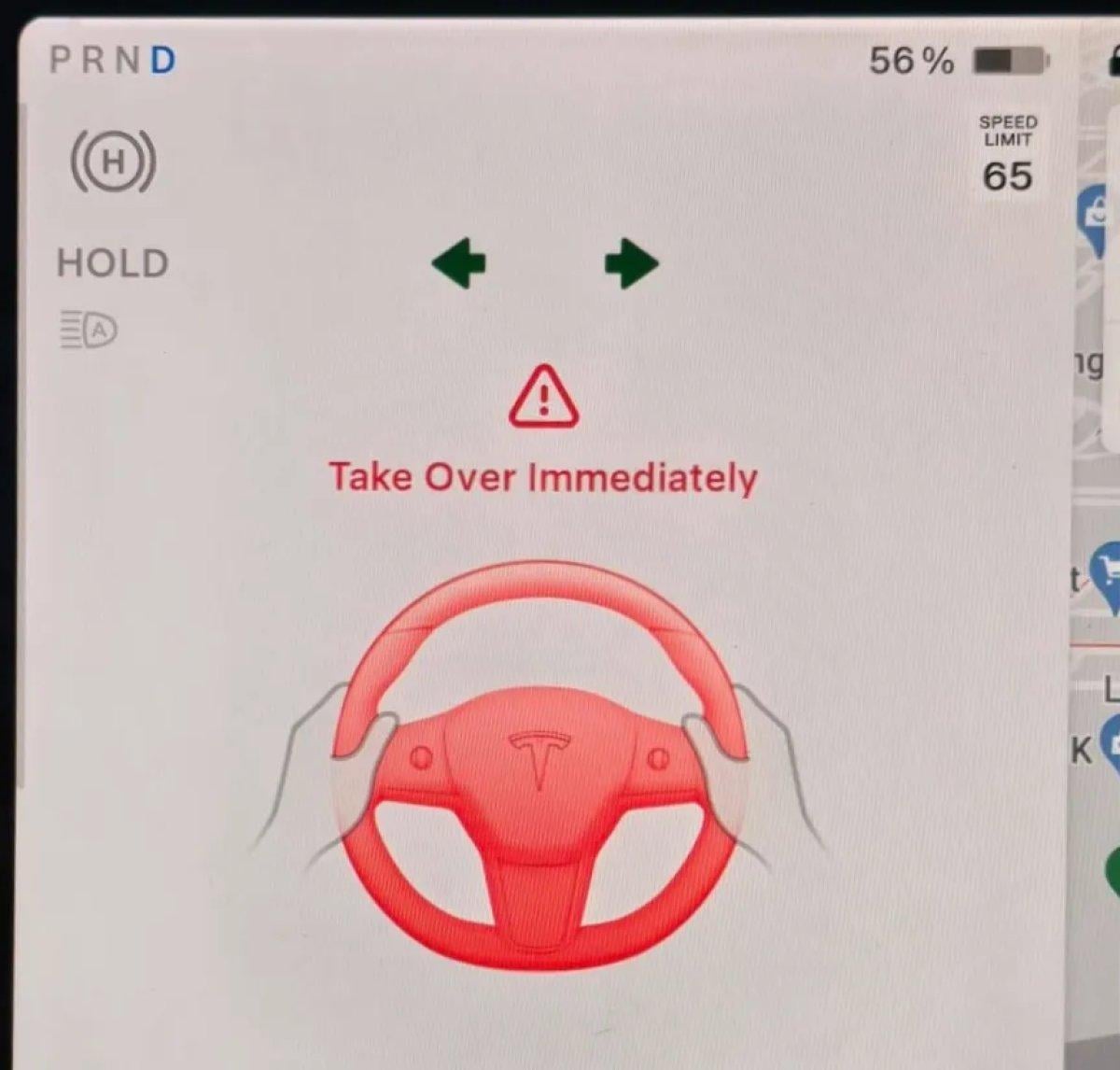
Yes, I’ve seen this warning several times recently with my 2020 MS. It’s happened with and without FSD. No reason was evident from the driving situation.
eliandjen
2026-02-21 21:44
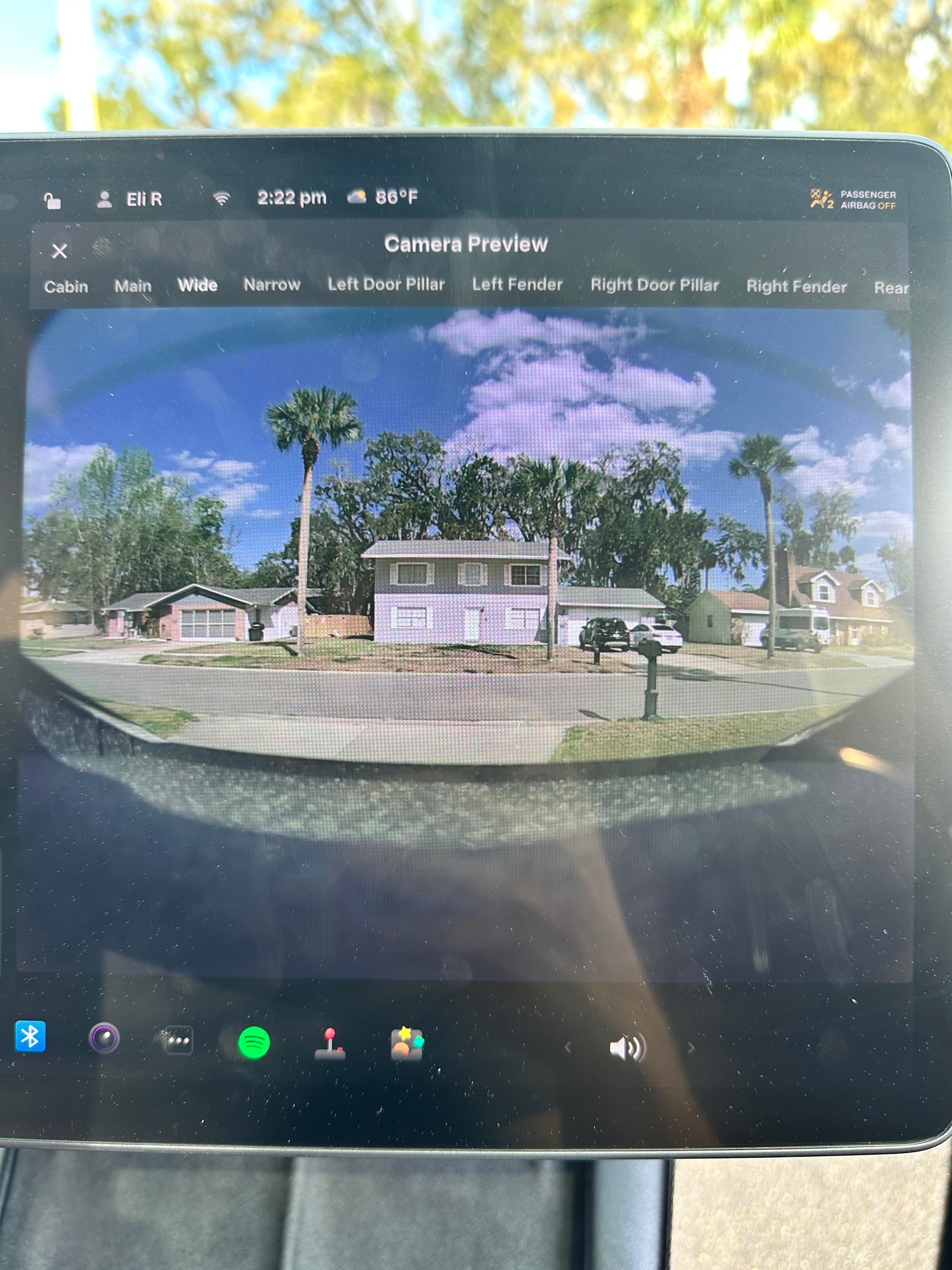
Window is completely clean. Even went to the trouble of cleaning it from the inside.
fred2028
2026-02-21 21:55
Fully Supervised Driving
Puzzleheaded_Cold769
2026-02-22 01:15
Go to service mode and check for any hardware issues.
JSchnee21
2026-02-22 02:03
I’ve been having this issue with Autopilot since last July when I got the 2025.26.4 update. Happens multiple times per day (once per drive cycle, then it’s disabled).
I’ve taken my car for service four times since then and they always tell me they fixed it. But they haven’t.
gavinweiyz
2026-02-22 03:10
Did you encounter the alert: autopilot aborted due to system error, cruise control not available? Then the autopilot symbol disappears for a few seconds then come back again ?
eliandjen
2026-02-22 03:12
I’m not sure. I think it was just the red wheel.
eliandjen
2026-02-22 03:13
Where’s that in the menu? I’ve tried the camera calibration already
Arthvpatel
2026-02-22 03:24
Reset das and if that dosent work then use recalibrate cameras and go for a drive until it gets to 100%
gavinweiyz
2026-02-22 03:33
Please pay attention to any alerts that pops up next time that happens, until then it'll just be vague speculations for possible problems.
InsleepTech
2026-02-22 03:42
Go to the Software tab, press and hold the Model Y text for a few seconds, then type "service" on the popup that comes up. Then check any service alerts and also check the temperatures of the Autopilot computers in the Thermals tab.
eliandjen
2026-02-22 03:57
Great! That’s why I posted here for. All good items to look at.
Do we still have to create a fake “Tesla service” WiFi SSID for this to connect to? I know at one time we had to do that to get the service menu to work.
InsleepTech
2026-02-22 03:58
Nope, it’s not geo-locked anymore!
ParaIIax_
2026-02-22 15:18
are you driving to a supercharger where your battery is preconditioning? it might be overheating your autopilot computer