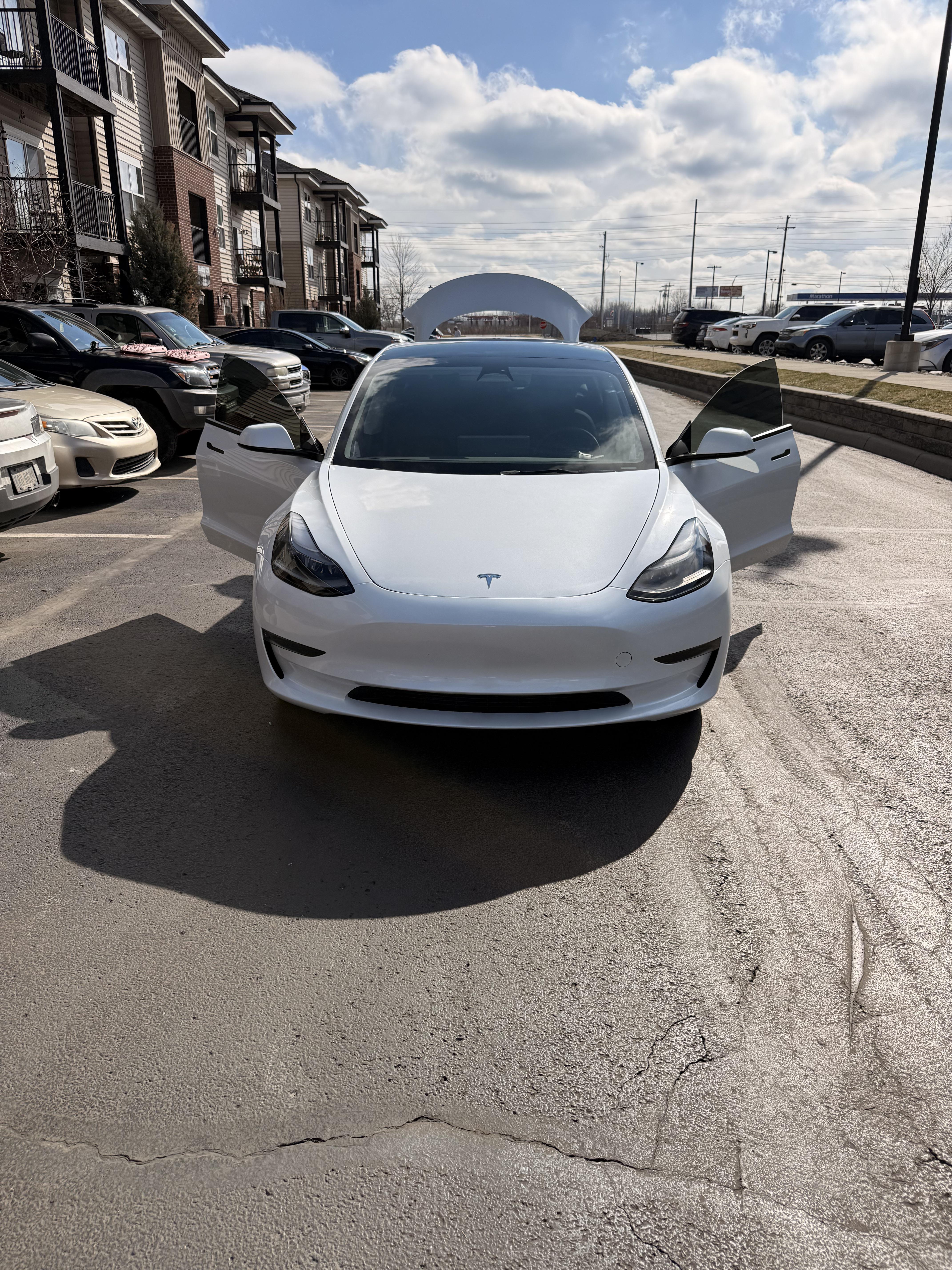
Glum_Perception_1077
2026-02-22 14:52
Add the vin on the app and select transfer
PaidForThis
2026-02-22 15:12
For New or Used Vehicles
1. Open the Tesla app and tap the menu (three lines or profile icon) in the top-right corner.
2. Tap Add Product (or My Products > Add Product).
3. Select Vehicle and follow the on-screen prompts.
4. Scan the VIN barcode (usually on the driver’s side door pillar) or enter it manually.
Submit proof of ownership, such as a photo of your driver’s license and vehicle registration/bill of sale.
Important Notes
Verification: If purchased from a third party, verification can take 3–5 business days, though it is often faster.
Direct Transfer: If you bought the car from a private seller, they can transfer it instantly to your email address via their own Tesla app.
Connectivity: Ensure the car is connected to Wi-Fi or LTE during the process.
Dry-Dingo7930
2026-02-23 02:46
It will take a few days for Telsa to process it. If the old owner is still connected to the car, they might authorise the transfer sooner.
APMechanic2011
2026-02-23 15:46
You can ask Tesla to expedite the transfer. I did with mine (purchased from carmax) the transfer was done in less than 24 hours. Just an fyi you cannot use supercharging until the car is added to your account.
Careless-Lobster-814
2026-02-23 21:22
It depends, I have bought 3 used tesla's, on the first one I had to wait like 2-3 days, but for det second and third one it only took 2-5 minutes.
Agreeable_Survey_957
2026-02-26 12:38
It took 5 days for it to transfer after sending in my info I guess I just had to wait
Glum_Perception_1077
2026-02-26 13:21
Oh wow! Mine took maybe 30 minutes
hephtea
2026-02-26 13:36
Call in and ask, I did this and it was done in about 3 hours. Congrats!
grignog
2026-02-26 15:40
Wait, so if I go out of town and buy a Tesla, how do I get back home?
LegendOfZachh
2026-02-26 18:52
Mine said a week but then a couple of hours later it updated…
APMechanic2011
2026-02-26 19:10
You can still use 3rd party chargers but supercharging is only active after the ownership transfer is complete and the car is active in your Tesla account and app
grignog
2026-02-26 19:15
Oh man that’s good to know. I’m just about ready to pull the trigger on one but it’s over three hours away and probably need to charge it on the way home. I was just planning on going to superchargers. There’s no way to charge it right away on superchargers after buying from a third party?
APMechanic2011
2026-02-26 19:20
Not that I know of. If you are going to use 3rd party chargers you need to make sure you have the adaptors to use them because most still don’t have the Tesla style plug. I actually had car max keep my Tesla overnight on their charger so I could make it home. Luckily Tesla expedited the transfer for me so I could access to supercharging. I live in apt so home charging is not an option for me.
DeathBlade94
2026-02-26 22:49
When I ordered my second car I used apple pay which automatically created a random email and thus made me a 2nd Tesla account. After I accepted delivery I just sent an email with my license, my bill of sale from my app on the accidental account and the email of which the car needed to be on and it was moved within 2 hours. I had already added the main account as a driver so I didn’t need to carry two phones to access both cars and it just seamlessly changed to owner status without having to setup phone keys or anything again.