AutoModerator
2026-01-16 16:31
https://sh.reddit.com/mod/teslamotors/wiki/teslachargingrecommendationsbatteryhistory
*I am a bot, and this action was performed automatically. Please [contact the moderators of this subreddit](/message/compose/?to=/r/TeslaModel3) if you have any questions or concerns.*
ryencool
2026-01-16 19:02
I'd just to have eff you money sitting around to spend nearly 1500$ on a marginally bigger/ better screen for my car, but we also have a 9 minute commute and small footprint. So im not like watching movies and stuff. Such a small qol change, cool to know it can be done though.
ScottRoberts79
2026-01-16 19:24
Only model 3's build in Fremont after 1/1/2024 (Or Shanghai after 9/1/2023) have the necessary connectors.
Unfortunately.
Will be interesting to find out if someone comes up with a converter to allow it to work.
Fantastic-Army-7671
2026-01-16 21:08
Wonder if you can resell the old screen , but not sure there is going to be any demand besides people who break them
JiDey247
2026-01-16 21:59
Is the size of the text similar?
Terryfrankkratos2
2026-01-16 22:05
I’m jelly as hell, do you think this has any hope of working on a 2020 M3 LR?
Educational-Goal7900
2026-01-17 01:10
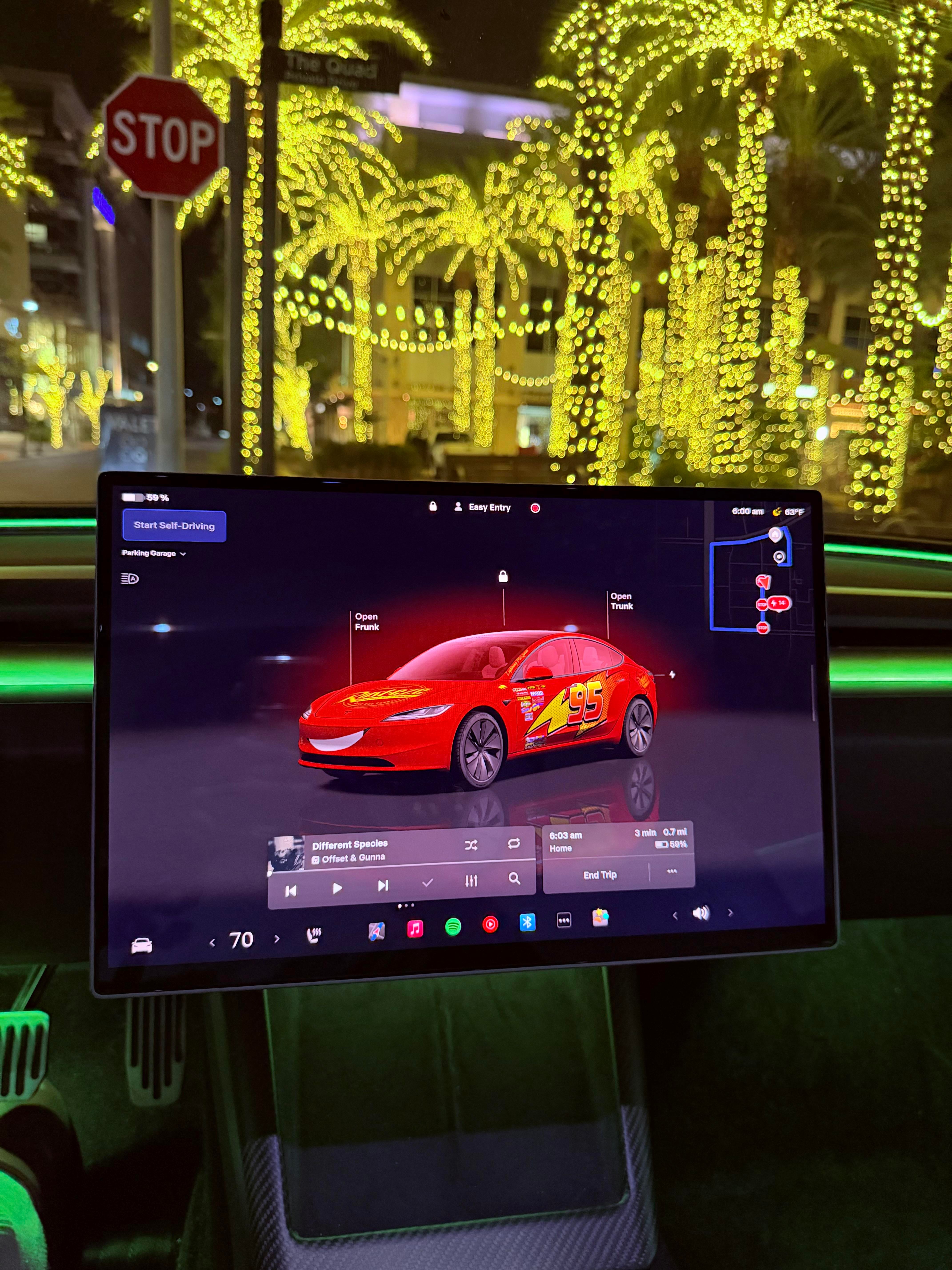
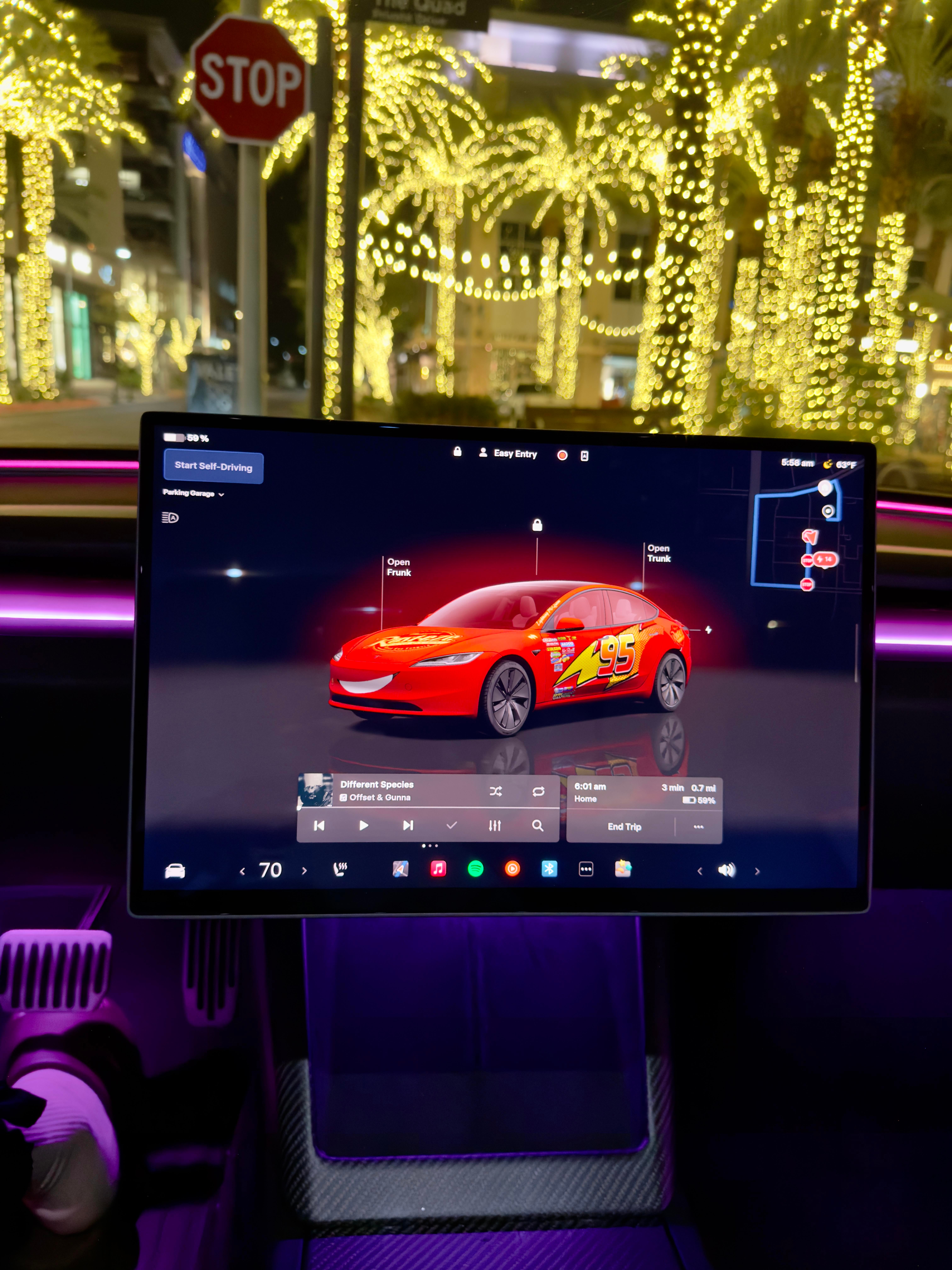
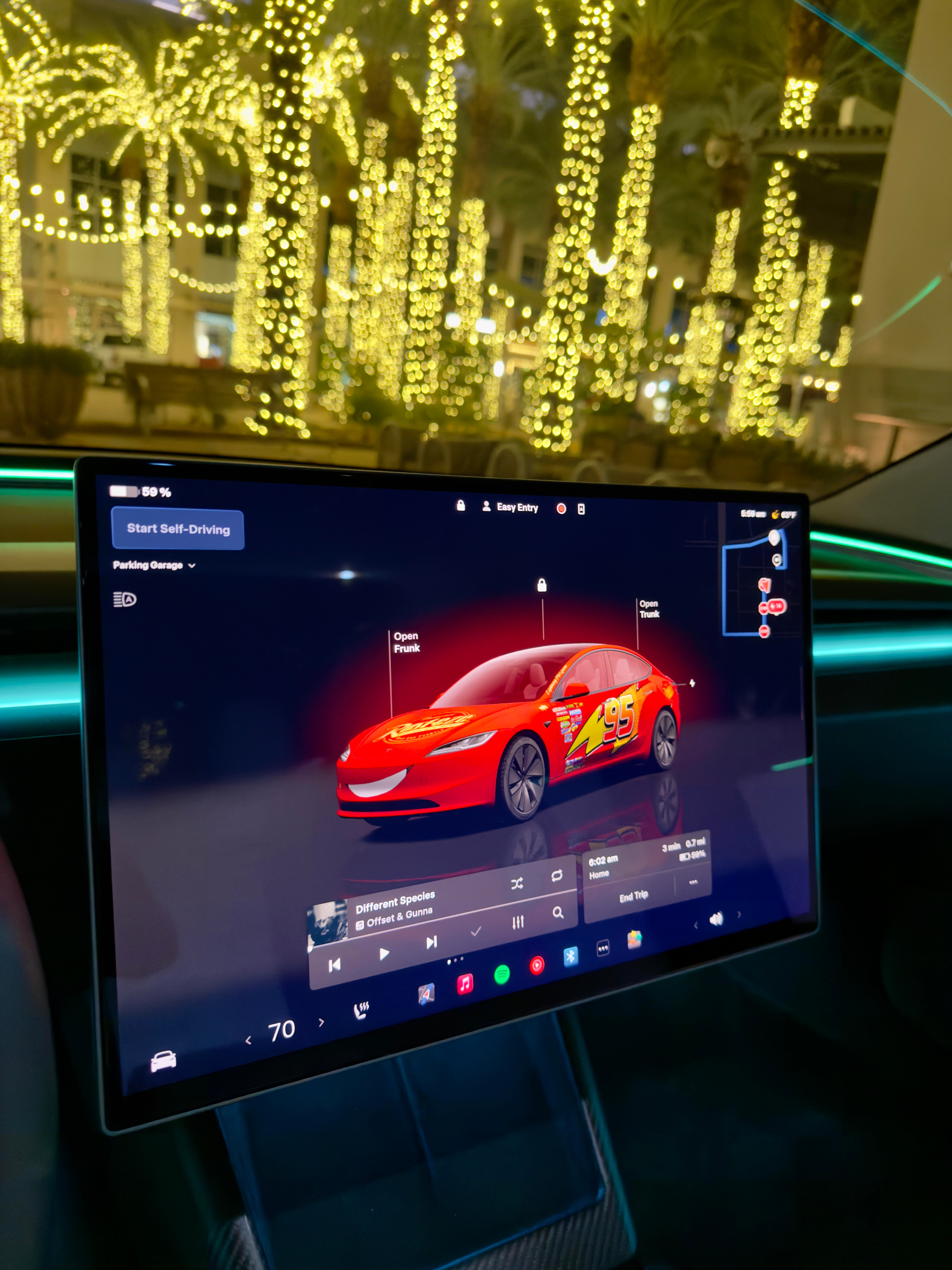
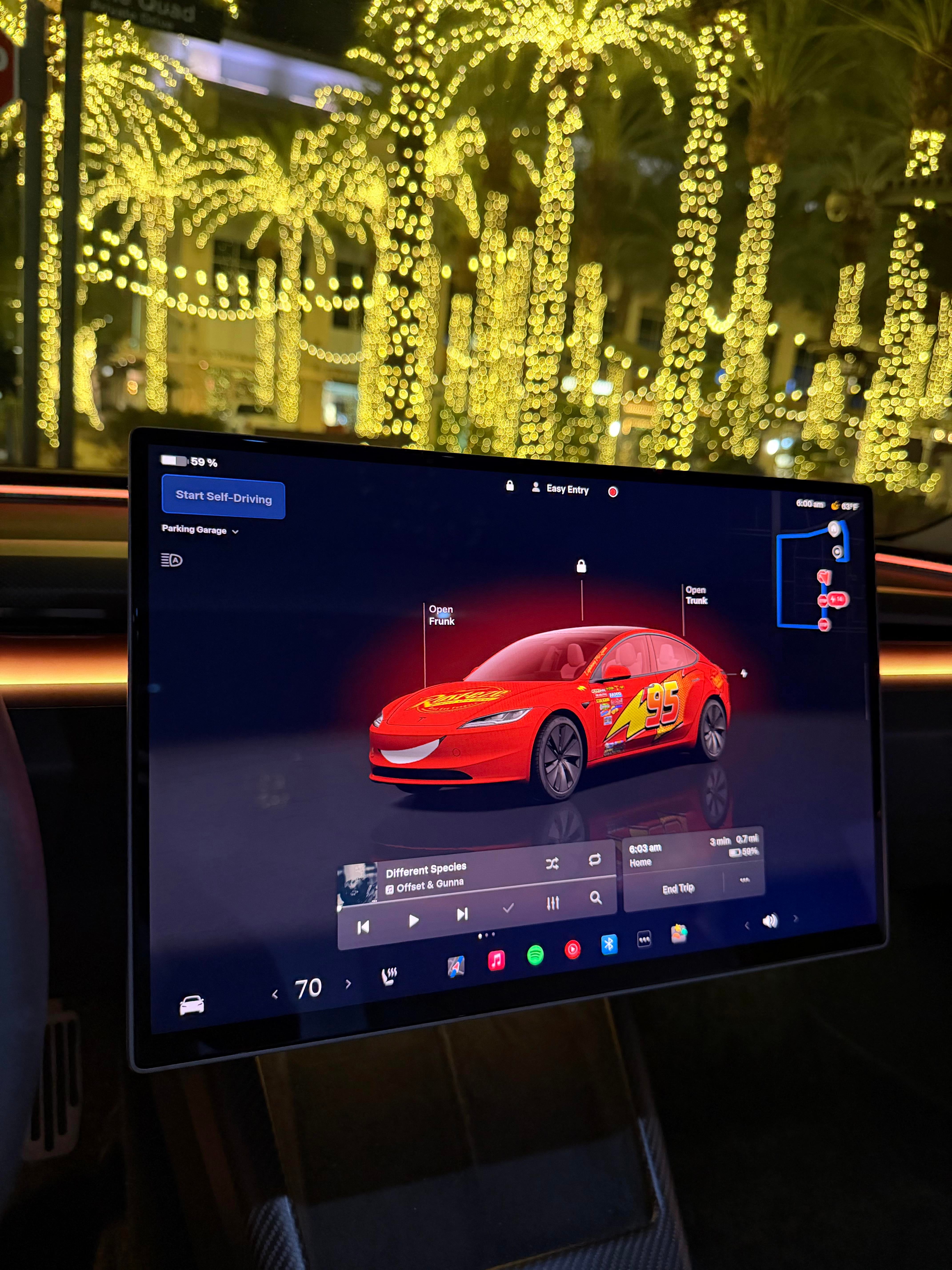
The size of the text is scaled smaller. But everything is scaled smaller since it’s higher resolution. Meaning the left side where FSD visualization is, i see way more in a zoomed version of intersections where i can see way more lanes, more of the intersection. You can see more content on the same pages like in music you can see more songs in a playlist at once. The left side of the FSD visualization was super cramped at times before but I can just see more of everything essentially even if the blind spot camera is on the left. It’s bigger difference due to the DPI differences between the old screen
Educational-Goal7900
2026-01-17 01:12
On eBay I can sell my old one $400-$450 if I just want to sell it as fast as possible, people buy repair parts on eBay all the time since its cheaper than buying a new screen from tesla
Fantastic-Army-7671
2026-01-17 01:13
Oh that’s not too bad , worth it
Educational-Goal7900
2026-01-17 01:15
I’m not sure
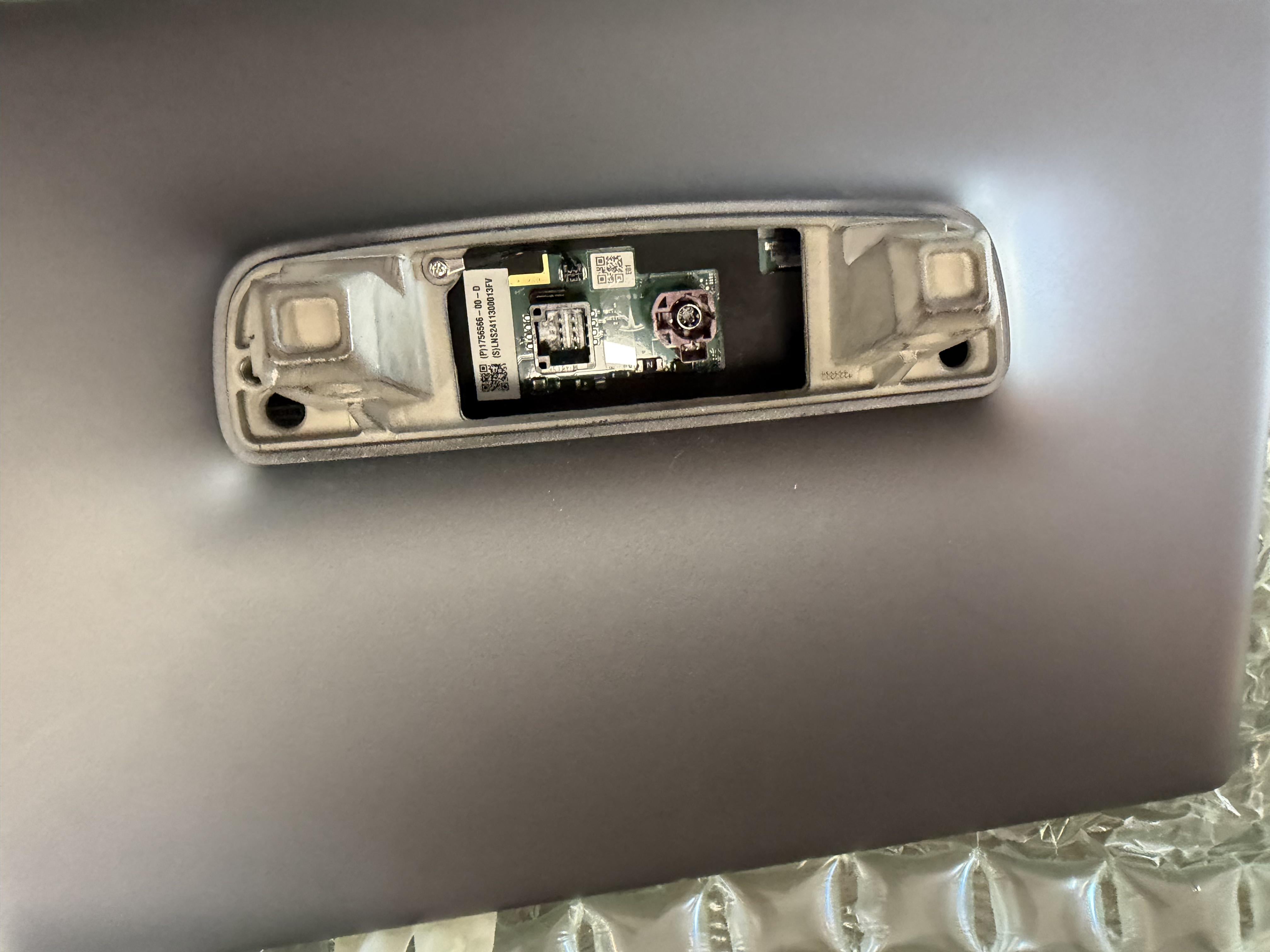
https://preview.redd.it/8tndwzjp8tdg1.jpeg?width=4032&format=pjpg&auto=webp&s=23e6fc302935fbf965d4cd31eeaffa09f759bd1f
I’m not sure it would work on 2023 and older pre-highland model 3s. This is my old screen. My new screen had the same two connectors. I had a 2023 model 3, which only had the 1 power connector with red. It didn’t have the grey connector. So I’m not sure what the grey connector does. I assume thats why they say you can only do this with juniper and highland model 3
BlurryEcho
2026-01-17 02:30
Would honestly rather do the alcantara headliner conversion if I was going to spend this amount of money.
1nolefan
2026-01-17 05:06
Totally agree 👍 some people have money to upgrade screens and others struggle to justify $99 for enhanced connectivity
Sprite28
2026-01-17 18:45
I wanna do this but not for 1k+, if it were about 500 I'd do it in a heartbeat.
b787guy
2026-01-18 14:16
Have a before and after picture. It looks awesome but hard to tell the difference in pictures.
SchlongCopter69
2026-01-19 16:31
Just wait… guessing we’ll have some Chinesium versions soon for even less.
SchlongCopter69
2026-01-19 16:32
Yes, this pls. Also I’d mention what actual resolution differences are… I’m an engineer and still don’t “speak” QHD/HD fluently.
Educational-Goal7900
2026-01-20 18:15
Old screen 15.4 inch - Full HD: 1920x1200
New screen 16 inch - QHD: 2560x1440
Educational-Goal7900
2026-01-20 18:19
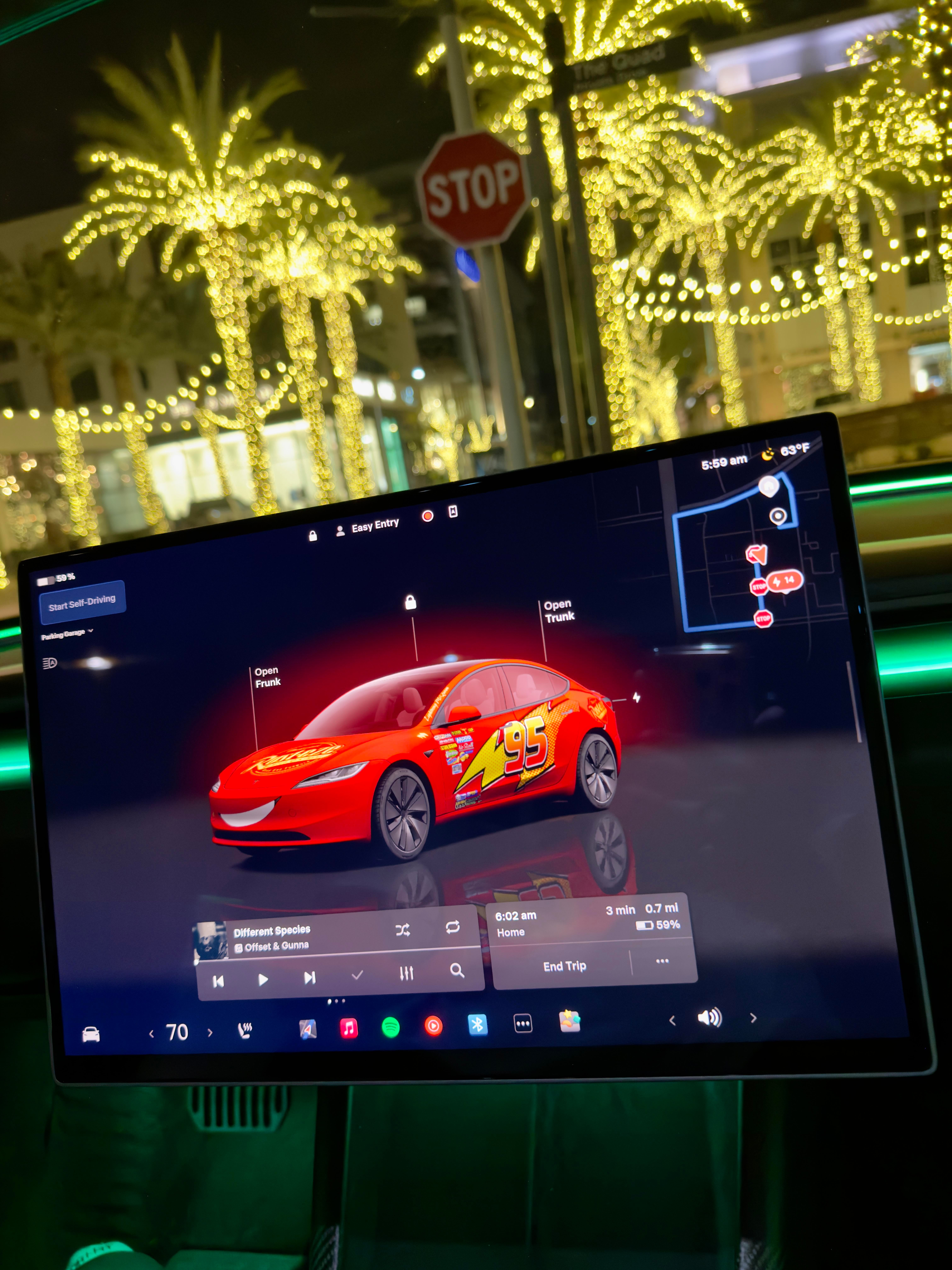
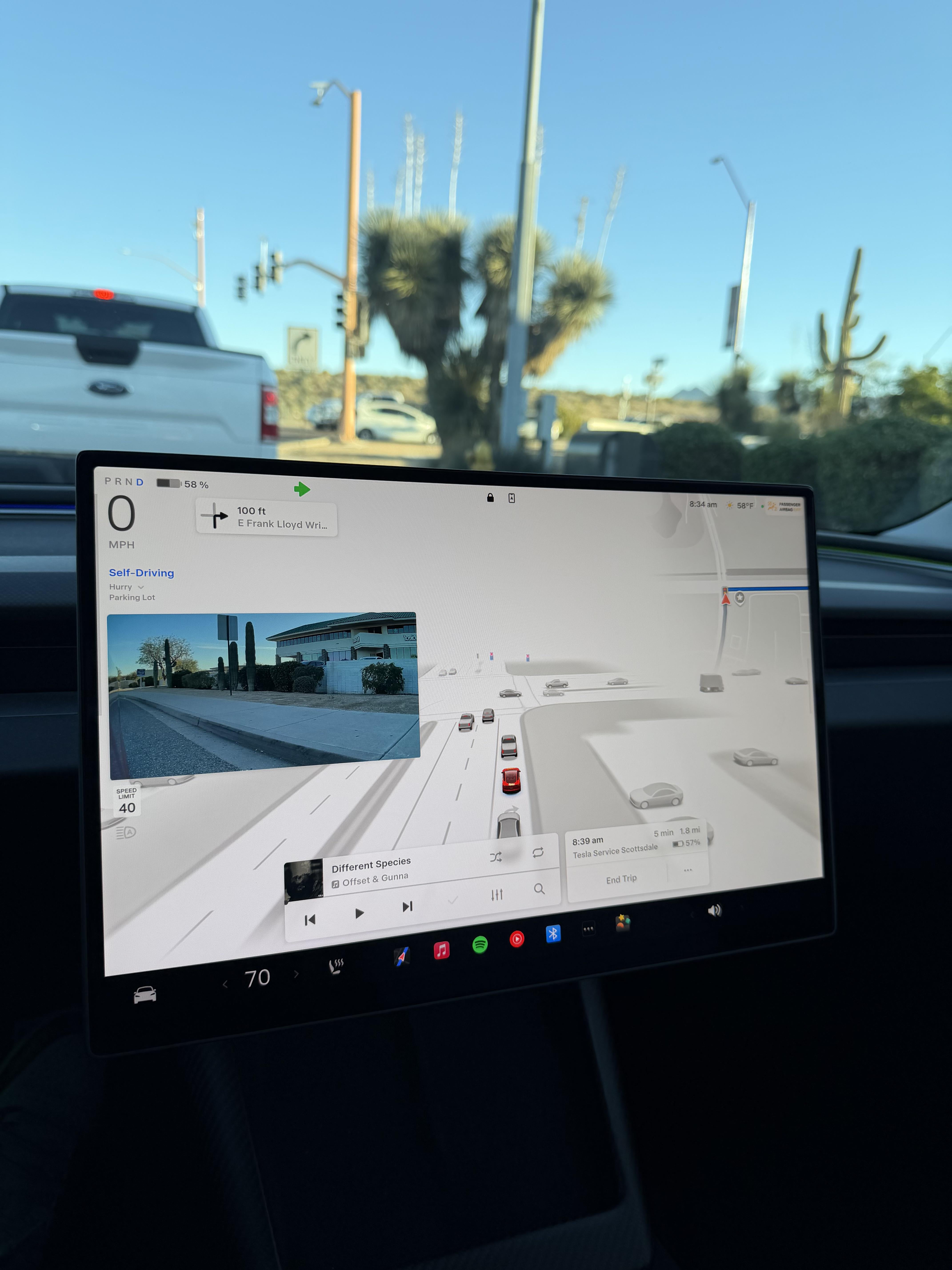
Before:
https://preview.redd.it/9g2k3kwbqjeg1.jpeg?width=4284&format=pjpg&auto=webp&s=85e0df8db43071cf6a77c72603d9d4464cd4afbb
Educational-Goal7900
2026-01-20 18:23
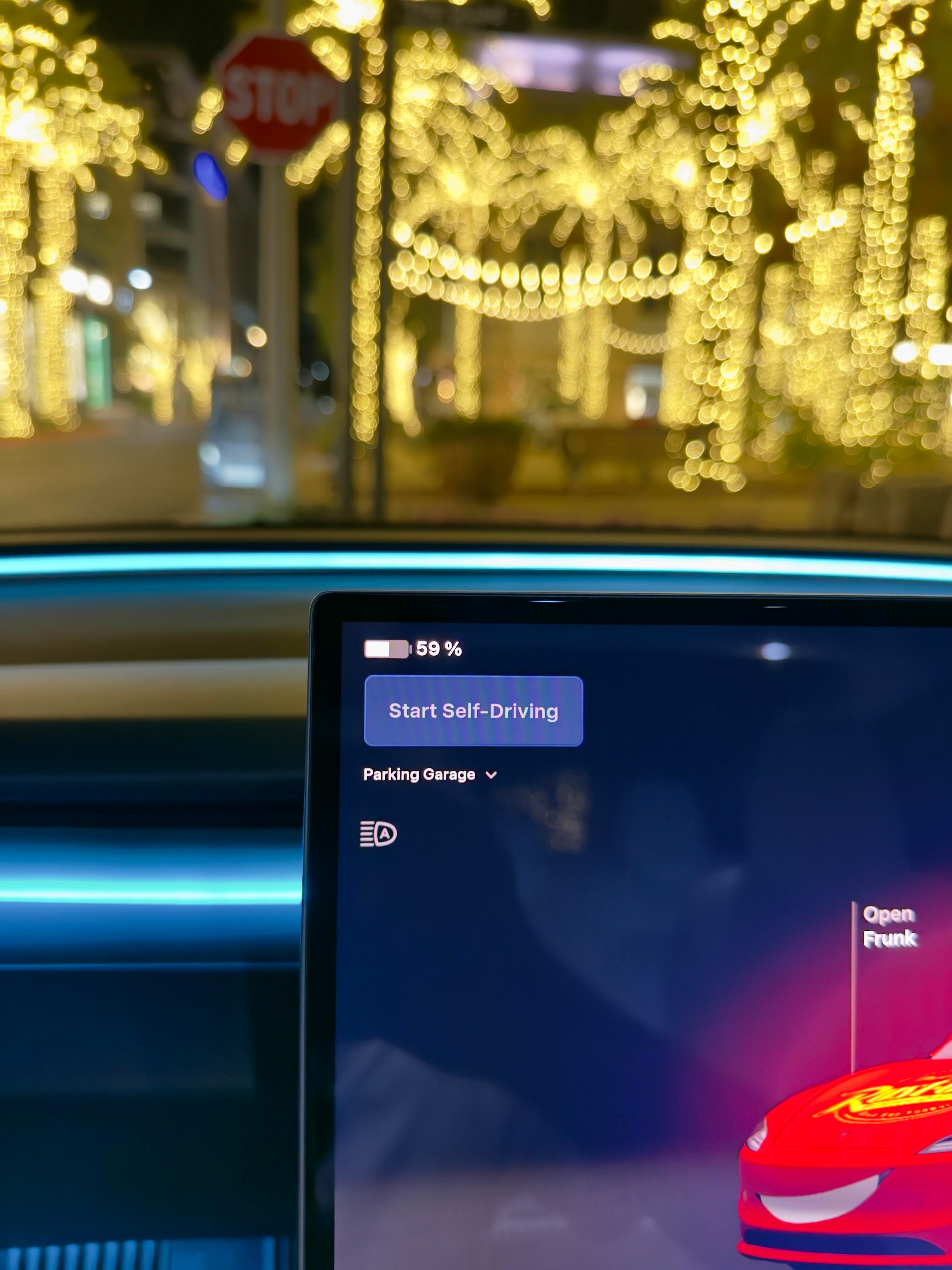
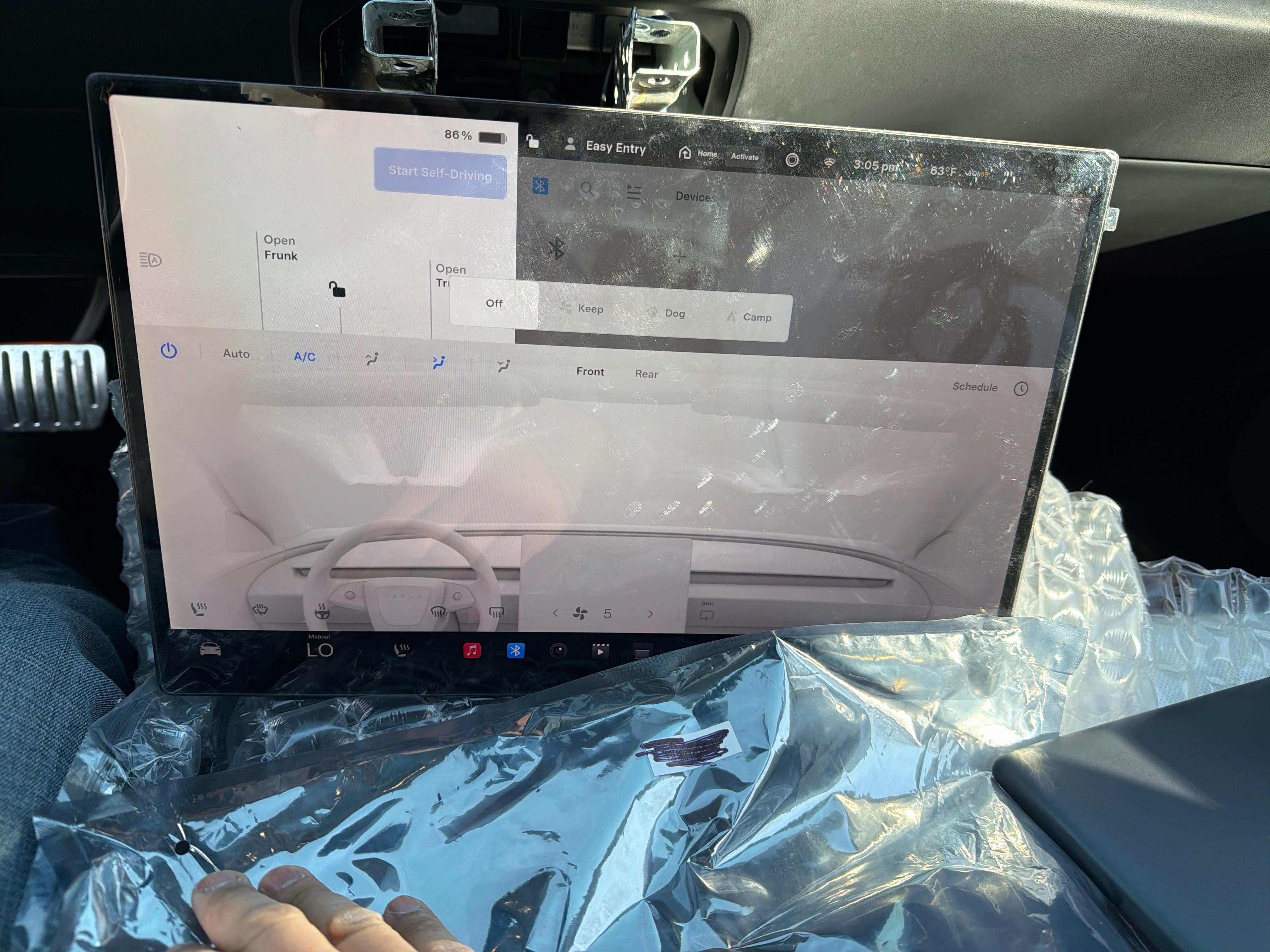
After:
https://preview.redd.it/y5zb5pn1rjeg1.jpeg?width=4284&format=pjpg&auto=webp&s=f5c5d94e098e6b64b829e4d0df9ccf3bc23f651b
It’s visually differently bigger in person but it’s hard to tell since I don’t have photos of the exact angle to compare both with
SchlongCopter69
2026-01-24 16:44
Thank you! This and pics below very helpful. Size aside, are the 60% added pixels fairly noticeable?
1Madarchod
2026-02-01 16:44
Awesome upgrade. So worth it in quality IMO, especially since everything in Tesla is display driven. Is there a video or instructions you followed you can share?
Educational-Goal7900
2026-02-03 12:38
Honestly, you could just watch a video for the people who install a swivel mount on their screen to know where the screws are that you need to take off the existing screen. The only difference would be is that you would just put the new screen on with the same OEM mount (instead of swapping it with a swivel mount), and screw it back on. It’s actually relatively simple install.
1) Just need to unplug and disconnect temperature sensor
2) unscrew the 2 screws under the display that hold it to the OEM mount to the dashboard, unplug 2 connectors on back of display
3) Just pull the old display off once the screws are removed
4) put the new screen on, plug it back in, and make sure its lined up properly and put the 2 screws back in
5) put the temperature sensor back on and plug it in
6) scroll wheel reset, then you’re done
If you watch a video of someone taking off the display for a swivel mount, then you will understand the temperature sensor and the 2 screws under the display that I am talking about. I would say this probably takes an hour to do for the first time, but relatively simple honestly.
Educational-Goal7900
2026-02-03 13:20
Alcantara headliner costs like $2500 with install or around that price. For people that wanted to swap and just buy every single OEM part for the black headliner they just came out with for their existing Model Y that had the older grey also costs like $2650 in parts. So that costs basically double this display. But if alcantara headliner was only around $1k, I probably would’ve bought that already. I wanted to do that a long time ago, but I don’t think it’s worth that $2.5k
irosshi
2026-02-03 14:01
Great post! Thanks for sharing.
Do you think I might be able to do this retrofit on my Tesla MY LR 2024?
Also, is this the same part number as the Juniper’s one?
irosshi
2026-02-03 14:09
There’s a different Reddit post where people mention this one: 1875941-00-C
Not sure what the difference is, though
Cant_Pickaname
2026-02-03 18:35
Missing this by a couple weeks has me almost wanting to pull the trigger on this. Tesla doesn’t offer it for service and just worried about warranty issues if I do it myself. It looks super easy to do.
Cant_Pickaname
2026-02-04 02:26
https://youtu.be/UyryhQvbaFs?si=QX-Upbe0fgynb_bt
BOSSPATH
2026-02-05 05:20
Will all the information stored in the vehicle be reset?
viv_kb_290125
2026-02-05 13:27
This is awesome! I live in the UK and own a Tesla Model Y Juniper 2025 purchased in June 2025. I checked with Tesla Service about getting a 16-inch QHD screen installed, but they advised it can’t be done as it’s not compatible, without giving much detail. I’m wondering if anyone has installed a 16″ QHD screen on a Model Y Juniper 2025 and whether it works. Also, could this be a region-specific compatibility issue (for example, supported in the US but not in the UK)? Any insights would be greatly appreciated. Thank you!
Educational-Goal7900
2026-02-05 13:56
All you are doing is swapping the display, not the computer. So just doing a normal screen wheel reset (holding both steering wheel knobs for a few seconds) is like you would do if the car just had a bug. The screen just displays what is stored on your car’s computer, so swapping the display doesn’t affect that
Educational-Goal7900
2026-02-05 14:07
It’s actually 80% more pixels, not 60% and i personally can definitely notice the difference, but at the same time im a software engineer. I am used to using high resolution screens like Studio Displays for work.
The old screen at 15.4 inches, 1920x1200 resolution has around 2.3 million pixels.
The new screen at 16 inches, 2560x1600 resolution has around 4.1 million pixels.
Since it has a higher quality LCD, it also has improved faster response. In general, the biggest thing you notice immediately is the sharper text.
So, with the screen increase combined with a resolution jump, you get more visible map, more context in FSD and shows more of the road, and it’s a denser UI without shrinking the text size, everything is just less cramped.
SchlongCopter69
2026-02-05 14:30
Hmmm, which is it? You’ve given me two different res’ in consecutive replies.
But I’m sold in any case!! You’re speaking right to my ninjaneering brain.
Not sure I’m two kilobucks sold, but def at top of list once there’s a secondary or knock-off market for them.
Thx for the detailed “sales pitch” on it!!
BingBong221_
2026-02-05 17:20
There is an option to fix the small font issue?
Educational-Goal7900
2026-02-05 17:24
The font isn’t small, it looks normal now. I just wasn’t used to the DPI difference. Text is more clear than it was before. This is exactly what it looks like if you buy a performance or premium model Y right now with this screen. I even went to the service center and had them ask a technician there about it. It’s just plug and play, so this is exactly what it looks like in the new Y
BingBong221_
2026-02-05 19:19
Good to know. Did you unplug the 16V battery before replacing the display?
The next thing after the display that I hope to find a solution for is the front bumper camera, and the new FSD camera housing from the new "AP4.5" model Ys.
I have 12/24 model 3 awd
BOSSPATH
2026-02-06 00:04
Thank you for your response.
I’ve already placed an order for this. When should shipping begin?
I’d appreciate it if you could share your experience.
Ebarron0125
2026-02-07 20:01
But the bullet and ordered one today
PackExternal3757
2026-02-07 22:43
Everyone is talking about out how to install but I can’t even find the screen to buy online lmao
manuel0000
2026-02-09 19:25
i mean you bought a $40k car for a 9 minute commute...
manuel0000
2026-02-09 19:26
once the 16" screen will come factory installed in M3 they will update the software so it looks correct
manuel0000
2026-02-09 19:29
Personally I'm more interested in the change to 16:9. How are the black bars now watching Netflix? They should be smaller on many movies.
manuel0000
2026-02-09 19:30
did you see the 16" screen in Model Y in person? Did you ask if they offer to install the display for you?
Ebarron0125
2026-02-10 14:14
[Parts.tesla.com](http://Parts.tesla.com) then just type in that part number, add to cart and checkout
Ebarron0125
2026-02-12 21:02
Sent ya a dm
Ebarron0125
2026-02-12 21:05
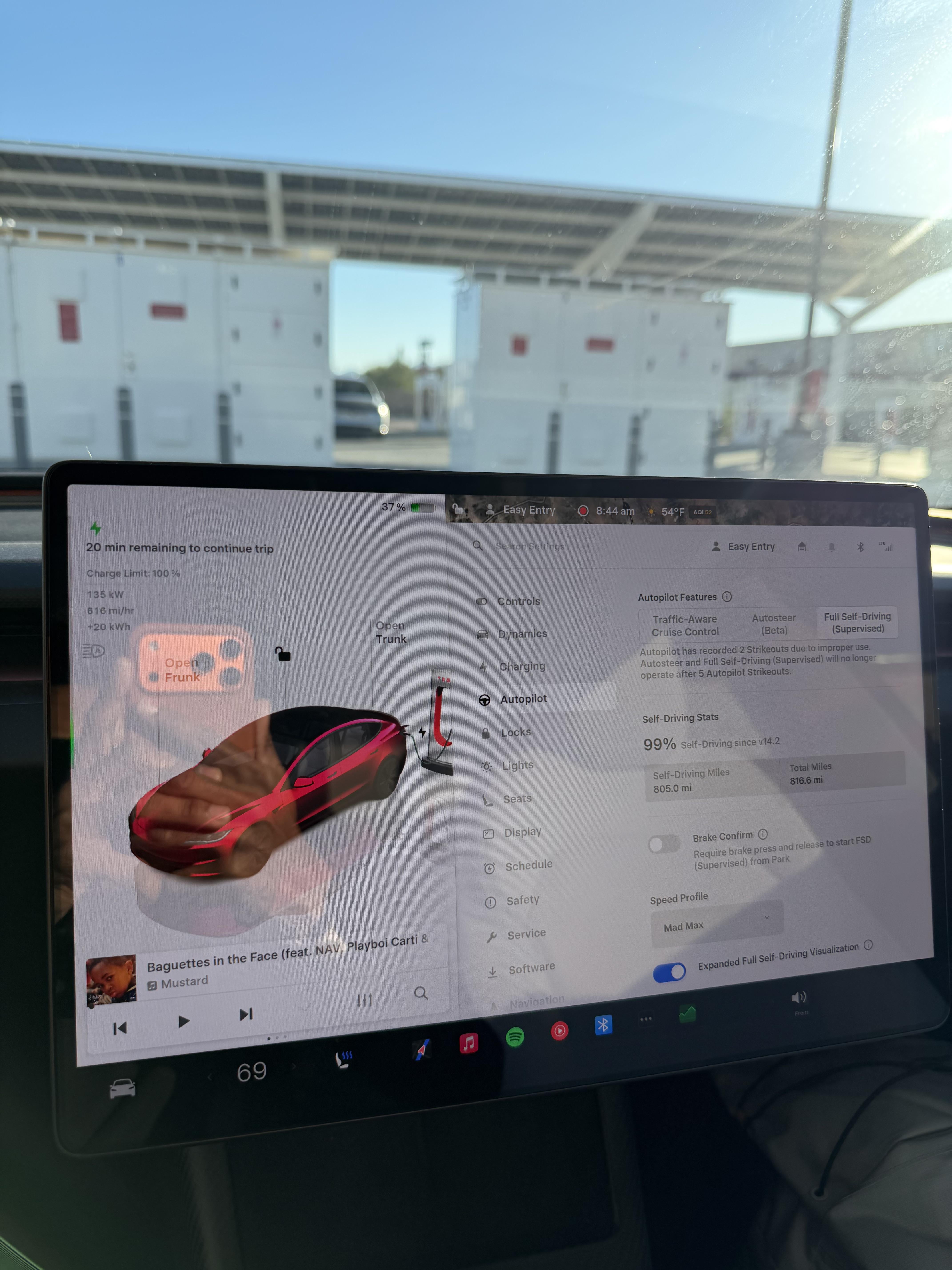
Your ac lining up? And rear camera working?
https://preview.redd.it/fxde8wg1p4jg1.jpeg?width=4032&format=pjpg&auto=webp&s=cce7006a298758e89508c2e942f188009713a3f7
Ebarron0125
2026-02-16 05:32
Yeah can’t wait for that, right now the screen also doesn’t display air controls correctly and doesn’t show rear camera view
Electrical_Diet2809
2026-02-28 04:32
I have the same issue no backup camera and misaligned ac controls. 2026 performance
Ebarron0125
2026-02-28 11:43
What firmware you on?
OkFeature7147
2026-03-07 05:39
is this a display issue or software issue?
Ebarron0125
2026-03-07 15:16
Software, they need to update a couple of graphics to scale correctly