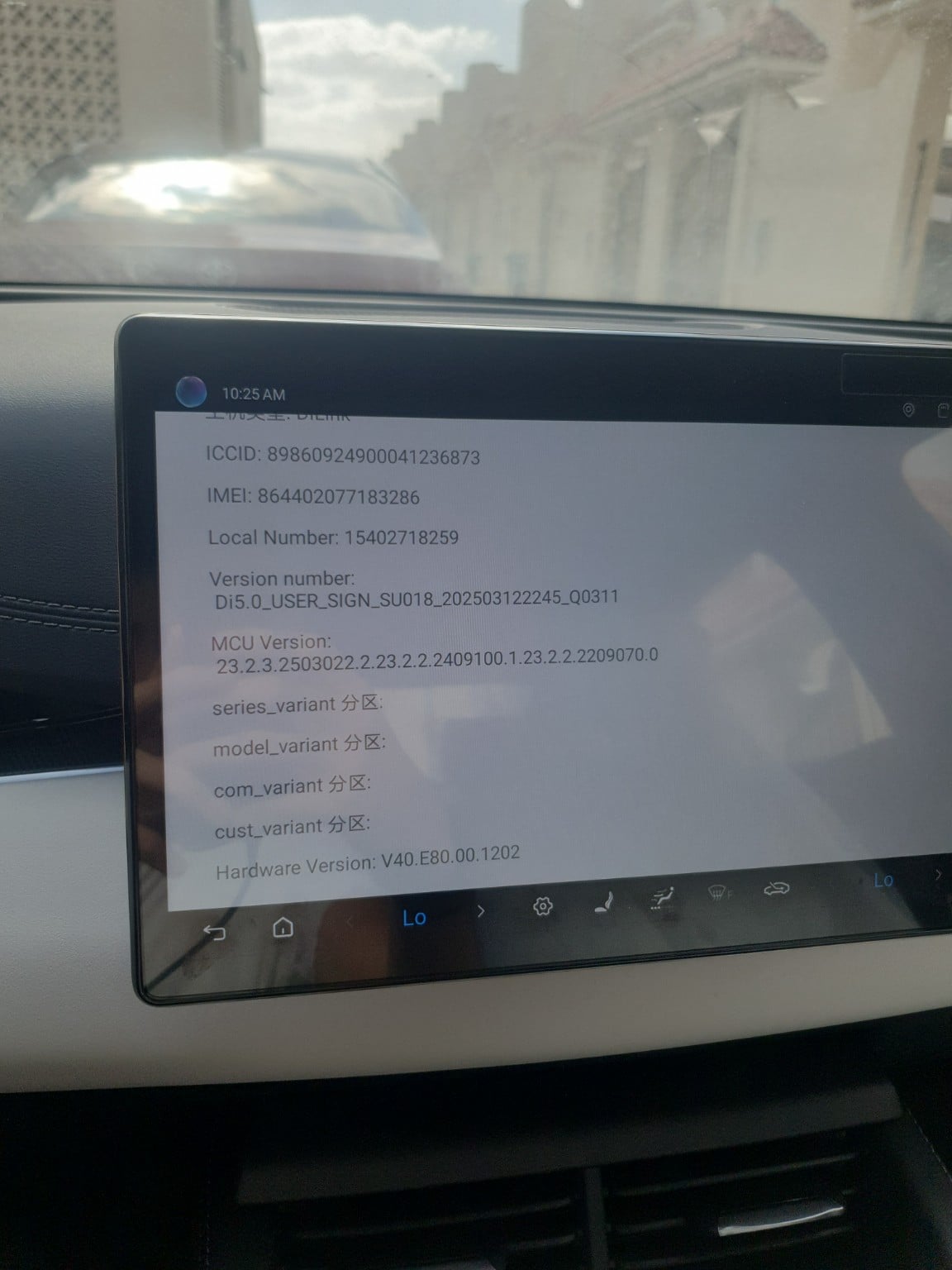
[deleted]
2025-12-31 06:42
[deleted]
zedder1994
2025-12-31 06:49
Reflash your car with [the latest firmware.](https://github.com/BYDcar/BYDGlobalFactoryImages1)
LeonAlb00355
2025-12-31 09:46
Even you update dilink 5.0 you can't talk english commands only chinese. The only thing you can do is install apk like google maps (without loggin though) waze, spotify, some radio apk adaptable for the region you live within.
LeonAlb00355
2025-12-31 09:47
You risk to brick ur entertainment system and your car. Anyway it would not allow to do it.
SomethingXII
2025-12-31 09:49
how can install an apk?
LeonAlb00355
2025-12-31 10:13
Easy. If you have browser download the apk and open the downloaded file and follow instructions. If you don't have browser download with laptop in an usb and stick it in the usb slot in the center console and carry on opening it. It will work fine.
For my self I did all with the browser installed in dilink 5.0
Unusual_Emergency_13
2026-01-01 01:10
BYD cannot install it as the Chinese version imhas different hardware.
LeonAlb00355
2026-01-01 11:09
You have two ways. First through browser which is easier. Use your mobile hotspot to browse for the apk you want to install download in the browser say yes to everything and bingo you install programs you can find. Of course you have limits.
LeonAlb00355
2026-01-01 11:16
I can't see any dilink 5.0 files especially for yuan plus 2025 non rotating screen version
zedder1994
2026-01-02 05:34
[Try this one.](https://server.familyds.net:5001/sharing/TLNBKLzy7) You might need to know the chipset used in your car. Navigate to Firmware DiLink and then got to "By the List" folder to find DiLink 5
SomethingXII
2026-01-02 06:34
i dont have the browser, so ill guess ill try the usb stick
SomethingXII
2026-01-04 09:22
Update: i just downloaded a few apks onto a usb, plugged it into the car and installed a few apps like waze and aurora store, and they work fine