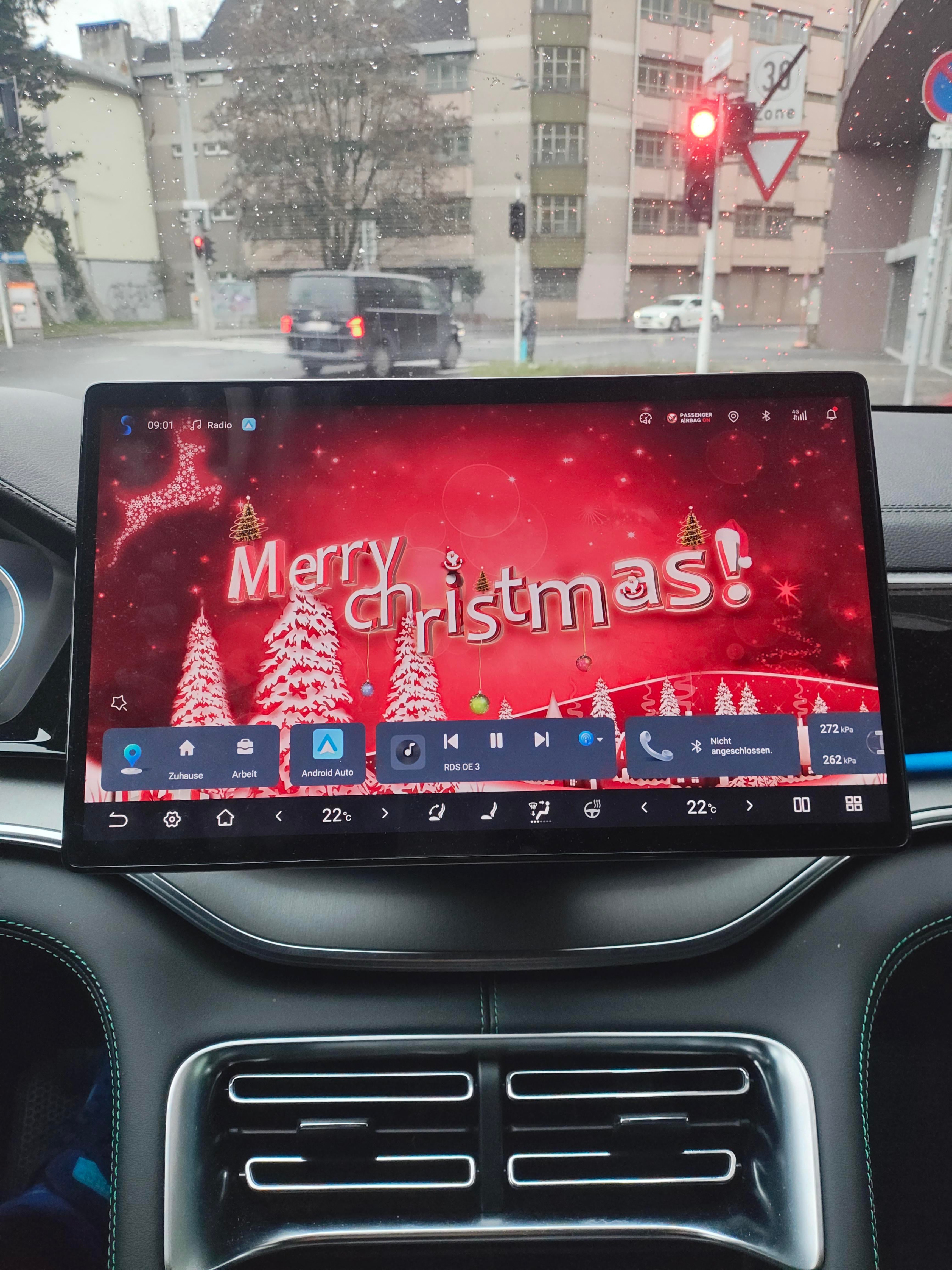
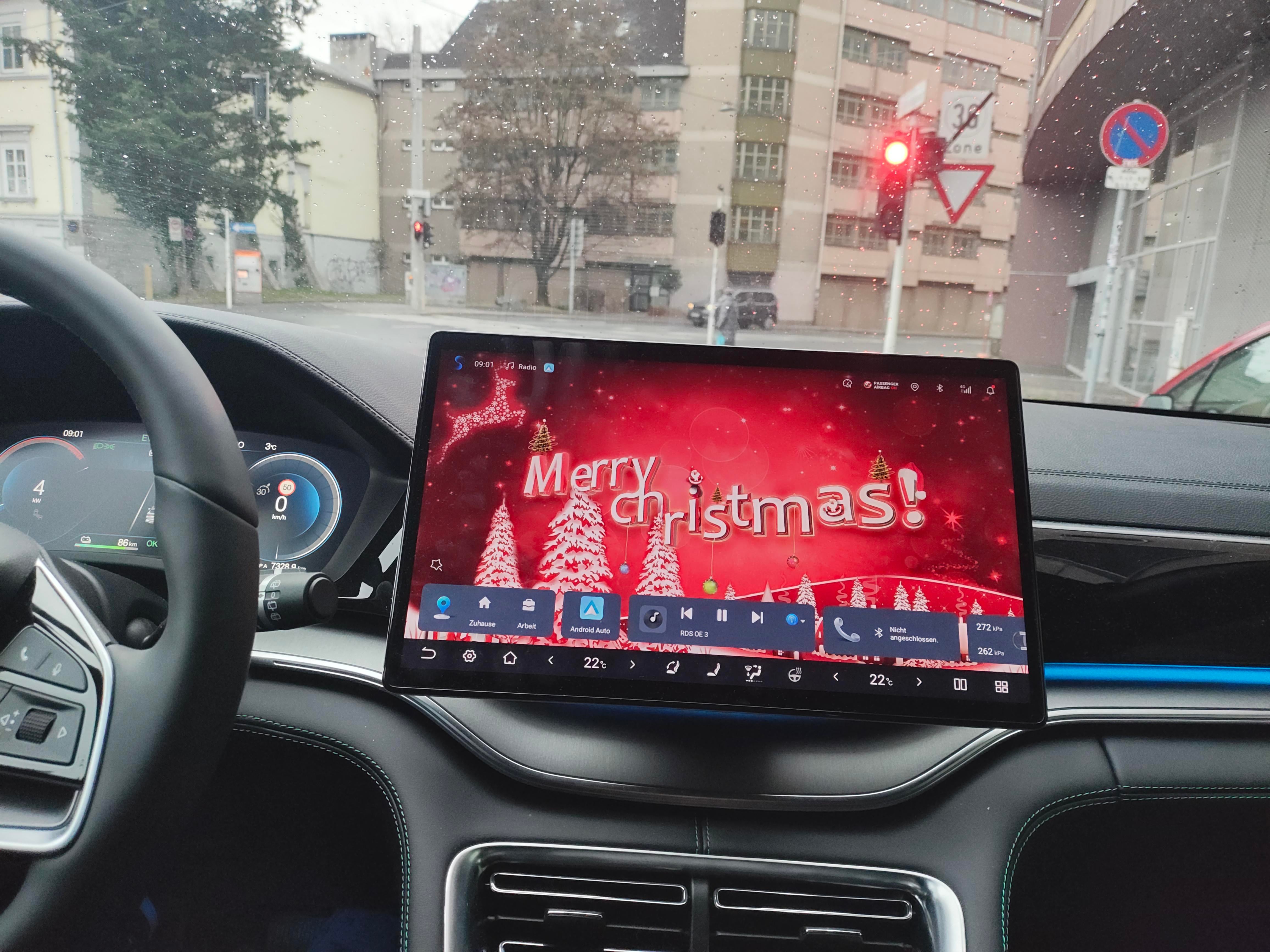
may I ask how dou change your wallpaper ?
Wondering as well
I bought an OTG cable (USB C-> USB A), for example https://amzn.eu/d/iiwuCBo format any USB A stick on Win-PC as FAT32. Transfer whatever wallpapers you want. Open on board file manager in BYD. Plug in USB stick on OTG and other end on right USB C below dashboard (for Seal U). For other BYD use the USB port which supports data transfer, which is same as for Android Auto. USB stick is automatically detected. Than copy files to any local path you wish. Open picture, than select option, use as wallpaper. I also use the OTG with stick to export dash cam video files from the car. Edit: Of course you can save the cable, in case you have a free USB stick with USB C connector. Unfortunately you then might use straight your mobile phone to transfer the wallpaper. Not sure how to format USB stick on Android if not formatted already in FAT32. I needed the OTG cable anyways, because of transferring dashcam Videos in case I need them Download site. for free wallpapers/ pictures in good resolution https://wallpaperaccess.com/merry-christmas
Login is required to comment.
Login with Google