I have a problem: the camera appears like this. What is the solution?
omarmkmk
|
2026-02-06 05:03
|
32 views
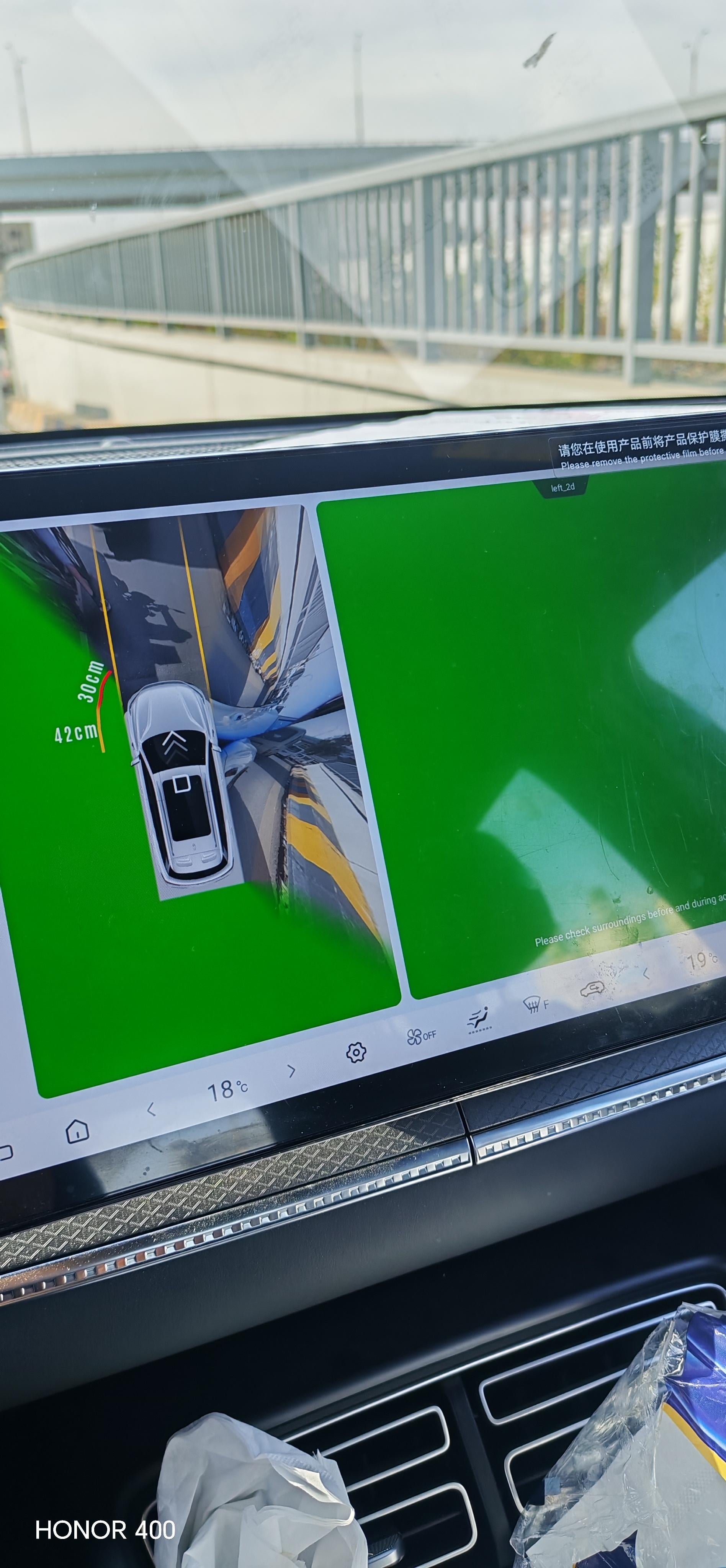
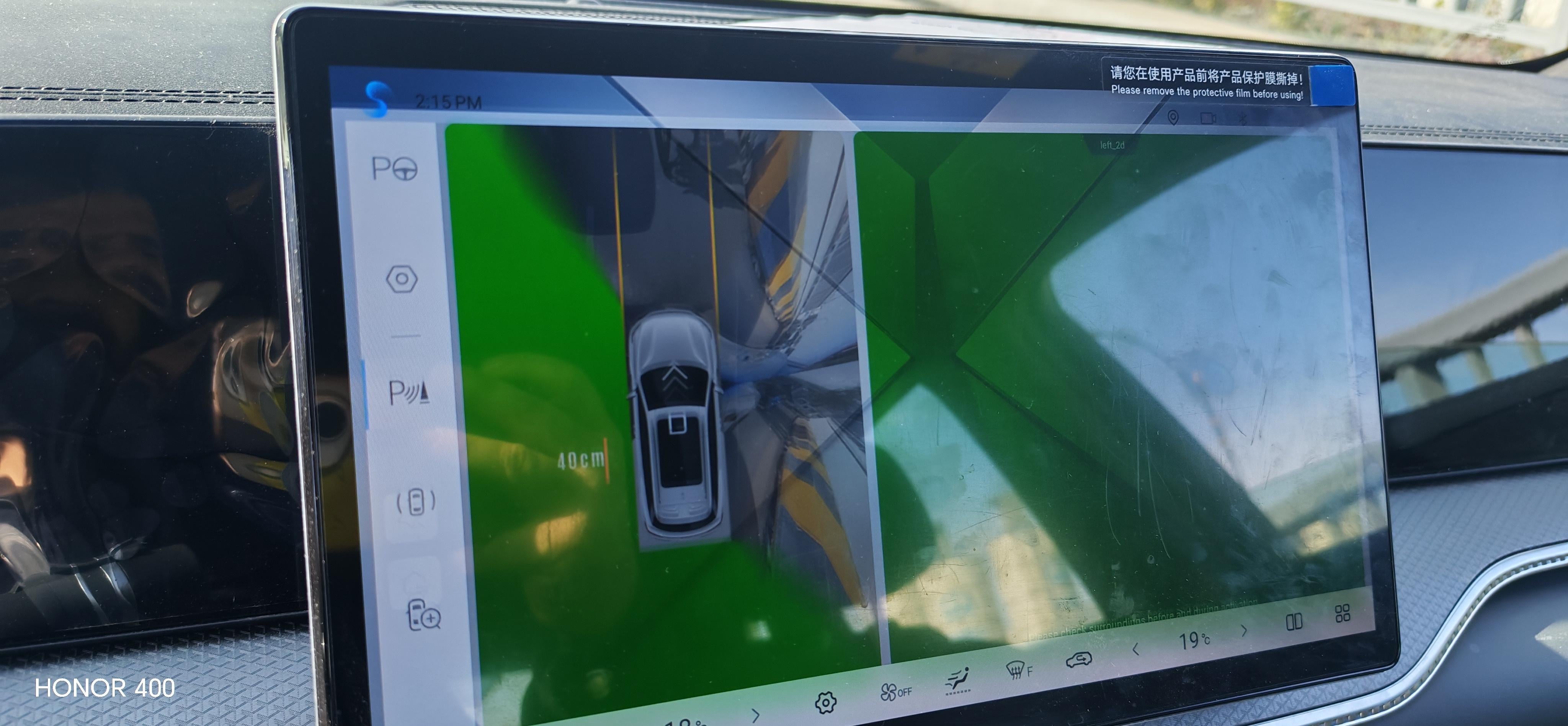
I’d be booking it in to a service centre. Either that or a green leaf. Clean all the cameras.
[deleted]
I told my wife I'll only remove the protective film when I'm able to correctly speak what's written there in Chinese
Try rebooting the system. Press and hold volume wheel at centre console for 10 secs
Why should I, though?
Wow they didn't do that? I hope they remove it because they charge a few hundred euros in my country to prepare it.
Use the app called google translate. It’ll tell you what’s there. I’m guessing it relates to what it says in English. “ Please remove the film before using.”
If you click manually through each view, is it only the left camera that is green? If it were me. I'd just take it into a service centre. Hopefully it's just a loose plug and doesn't need a new camera installed.
Cause the protective film will melt once the monitor becomes hot (usually if youre in a long drive or the car is parked under the sun) enough and it will forever stick on the screen
Take it back to the dealership bud
Problem is solved it was because heomidity in the left mirror camera. Thank you
Login is required to comment.
Login with Google