← Back to topic list

Seat memory function description wrong?

Kaytzo | 2026-02-01 21:29 | 21 views

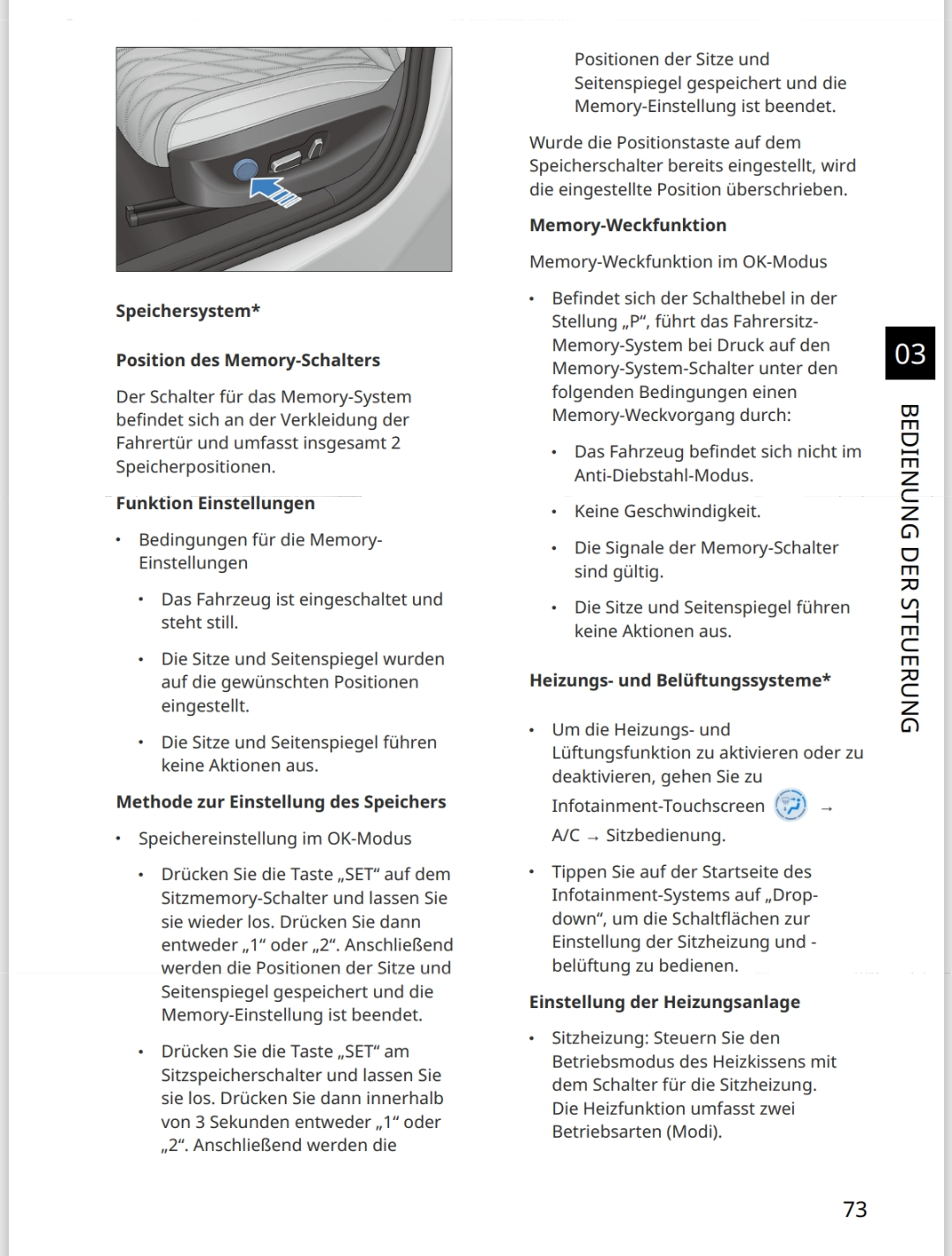
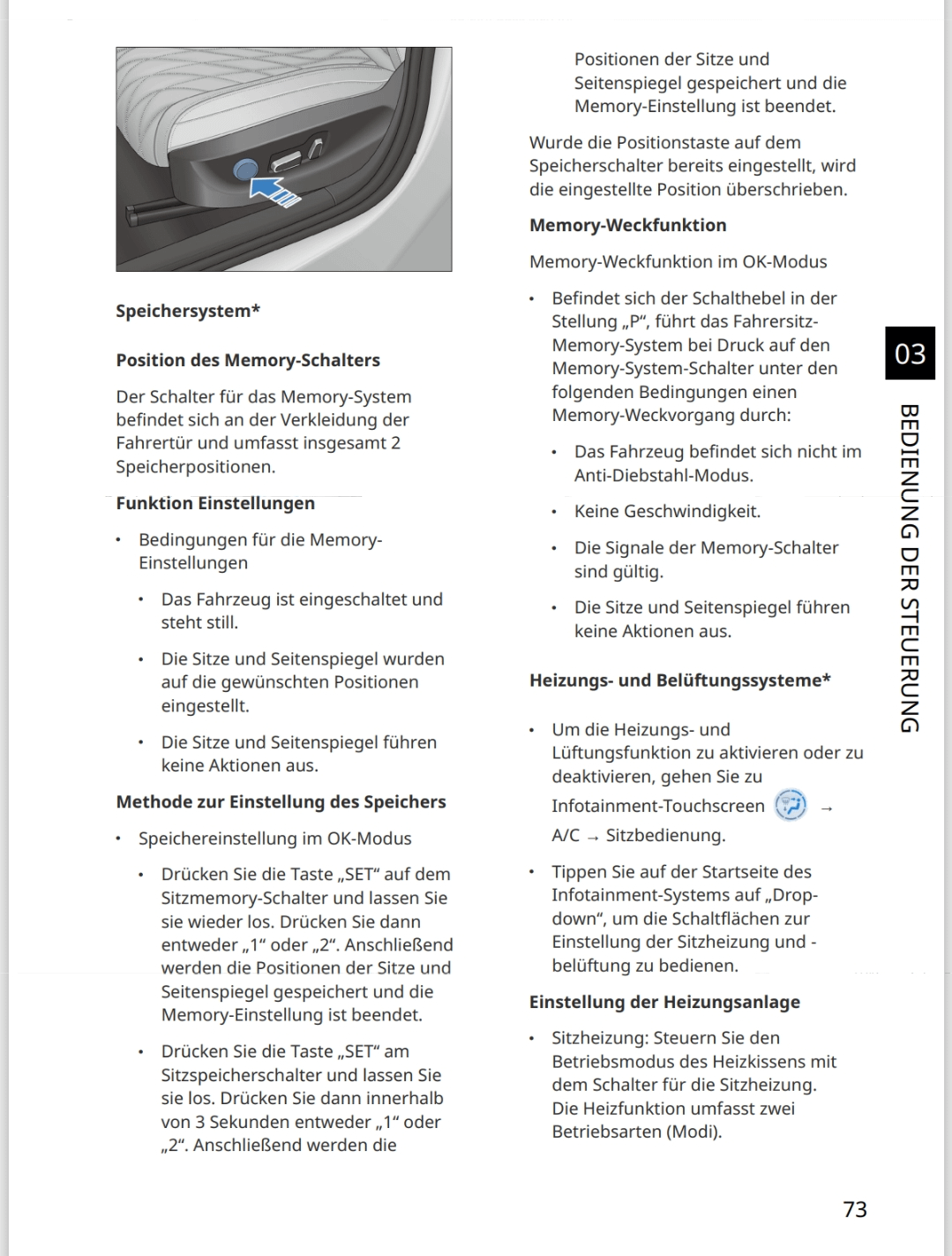
Hey guys. I got my BYD seal recently and I am wondering about the seat position memory function. I already saw, that you can save two positions via the touchscreen. But unfortunately it is really complicated to get there in my opinion. I read the user manual, and it says: "Position of the memory switch: The switch for the memory system is located on the trim of the driver's door and has a total of 2 memory positions." (Translated from german) Am I just to stupid to find the buttons or are there no buttons? The manual also explains how to use the "set" and "1" or "2" buttons to save the current position. I add a screenshot of the German manual.
Comments (4)
Fuzzy-Satisfaction37 2026-02-01 21:38

There’s no physical button for the memory seats in the Seal that I’m aware of. But on the screen you can get to the seat adjustments from the drop down shortcut menu or if you have the newer OS you can put the shortcut directly on the car widget at the bottom of the screen.

Numerous-Implement47 2026-02-01 21:39

I think from another comment those buttons are not there on some markets. I dont think its there on mine. You can just set the Seat button as one of the quick buttons bottom of your screen if you need to swap often?

SexyDraenei 2026-02-01 22:27

only in the screen as far as I know.

CarlSPC1 2026-02-02 08:42

Sealion 7 does not have it either. Only 2 memory presets in the main display to long hold and save.

Add comment

Login is required to comment.

Login with Google