← Back to topic list

How to pair iPhone key with BYD Dolphin Surf (comfort trim)

Rohirrimus | 2025-12-18 12:40 | 24 views

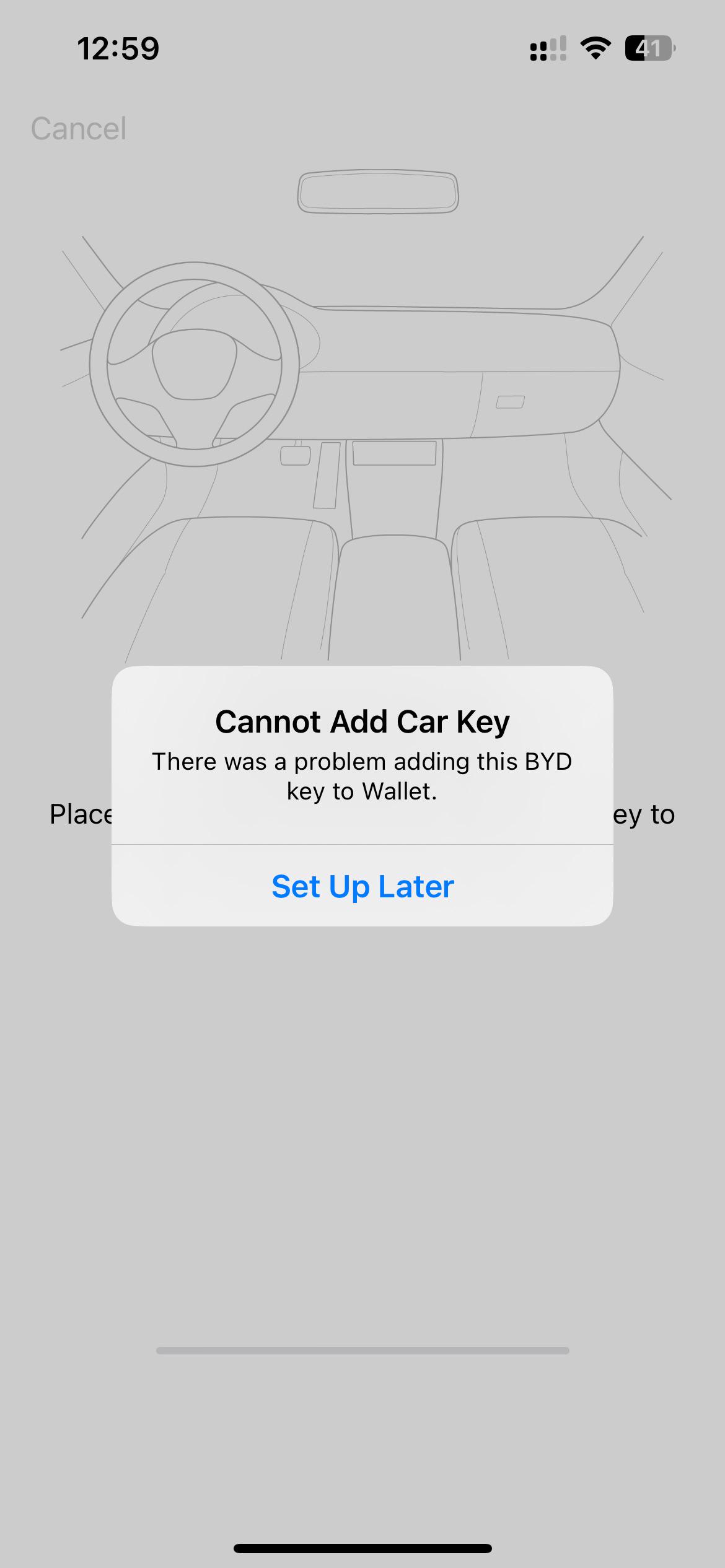
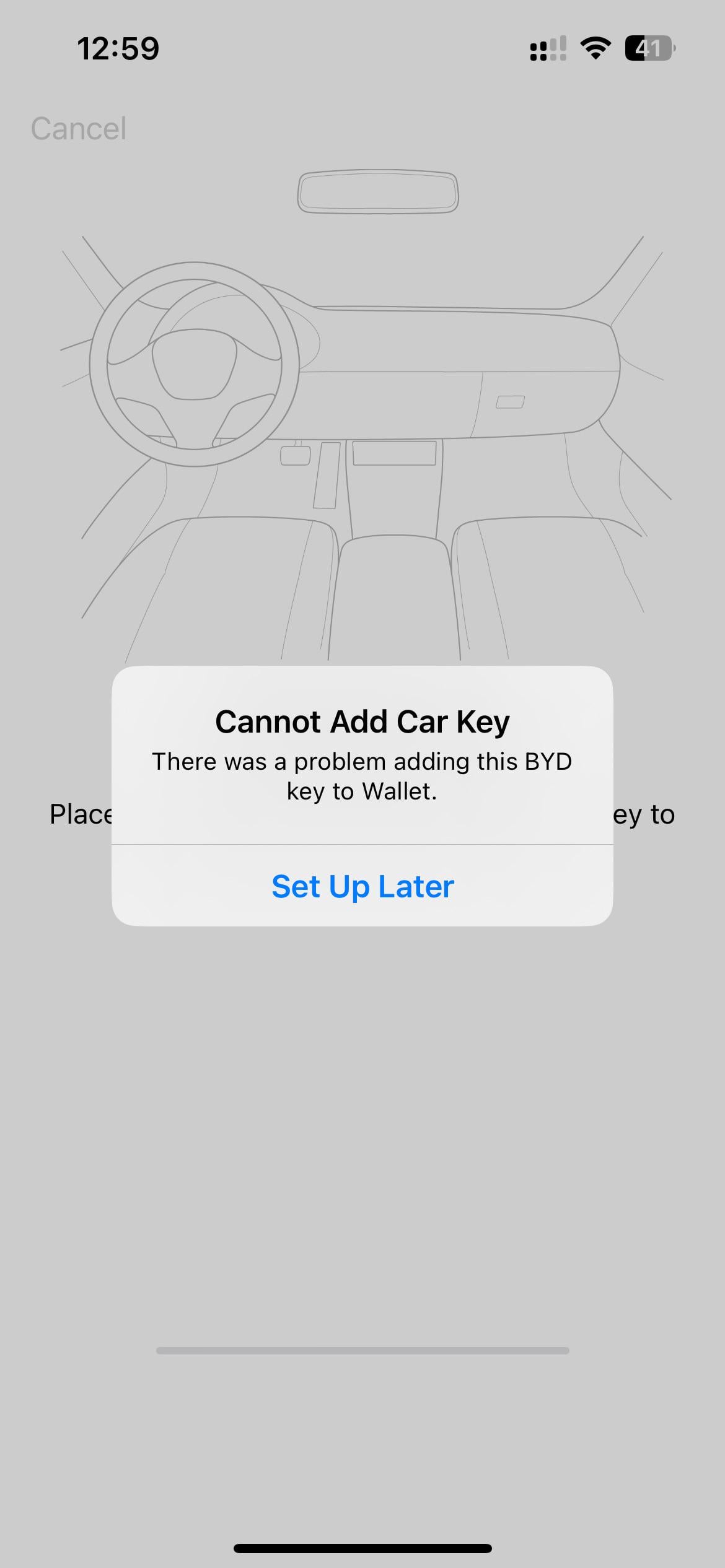
Hello guys, can anyone who did it please let me know how you paired iPhone to be used as key? Instructions on the screen are saying to place phone on nfc reader inside of the car, but nfc reader is on the mirror? When I try to tap the mirror I get the error above. Thanks
Comments (10)
isr25 2025-12-18 12:53

For the BYD Surf, the NFC is at the storage tray below the wireless charging area (should be with the NFC logo / left tray) The animation on the infotainment screen would show the exact location as well.

EVRicho 2025-12-18 12:55

Use the wireless charging pad not the NFC reader on the mirror to add the Digital Key.

Haunting_Intern7023 2025-12-18 14:25

The nfc reader is in the lower storage section of the centre console, took us like 10 minutes to find it in the dealership as it was the first one they did set up with.

Rohirrimus 2025-12-18 16:29

Omg thank you, managed. It’s annoying as animation is showing a different car and there is no nfc writing underneath

Rohirrimus 2025-12-18 16:30

Thank you. In fact there is no nfc logo there and animation is showing a different car. Managed now :)

Haunting_Intern7023 2025-12-18 16:30

Yeah it was an absolute ballache but having it set up on phone and watch is a life saver

Numerous-Implement47 2025-12-18 21:09

Yeah remember with the Seal it showed originally the charging recess in the animation when really it was on top of the centre storage

Numerous-Implement47 2025-12-18 21:10

In Seal that's not the right place, so might be different for every BYD model.

deed02392 2025-12-21 20:36

Got a BYD Seal and yep, that sounds like the genuine BYD software experience

EVRicho 2025-12-23 00:05

Yup.

Add comment

Login is required to comment.

Login with Google