← Back to topic list

BYD Atto 3 205 Digital Key UK

ProLiteAD | 2026-02-17 13:56 | 20 views

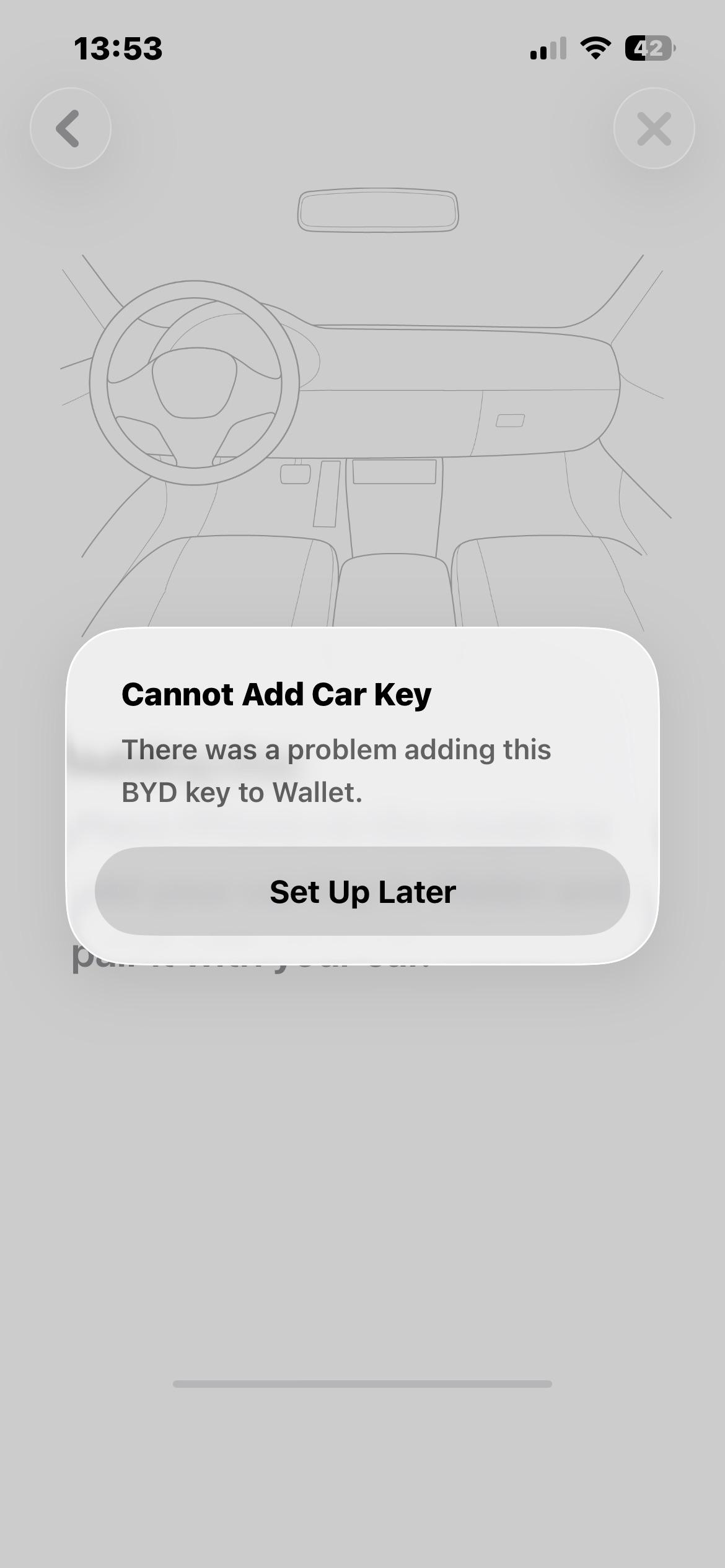
System version: 13.1.32.2505120.1 Hardware version: V02.E03.00.32.03 I have a BYD ATTO 3 which I bought early/mid 2025. I have recently noticed there is a digital key option in the BYD App. I am on iPhone and when I try to add it to wallet I am told to put my phone on the reader. The only reader I am aware of is outside the car on the right mirror. After I do this I get a “there was a problem adding this BYD Key”. Is it not supported or am I doing something wrong?
Comments (4)
BigWesternMan 2026-02-17 14:01

The "reader" is where the wireless phone charging pad is - note that the NFC reader in the phone is near the top, and from memory I had success when I didn't attempt to put the phone in the wireless charging cubby horizontally, but rather vertically.

Tafkaj_73 2026-02-17 14:38

i had the same issue with the Dolphin surf using the reader at the mirror until I realized there is a reader underneath the mobile charger…😅

ProLiteAD 2026-02-17 15:09

Thanks. What I did: 1) Placed it like 45° on the pad because the gear stick is in the way. 2) Held it there and opened the BYD App. 3) Pressed digital key and did the steps. It took me to Apple wallet and asked for an activation code. I just redid the 3 steps and now it seems to be working perfectly

jmcdongle 2026-02-17 18:52

You have just fixed my issue!! I’ve been trying the wing mirror haha

Add comment

Login is required to comment.

Login with Google